

レポートを作成して読む
完了した実行を選んでまとめを作成し、知見を元の回答までさかのぼって確かめます。
レポートは、完了した1つ以上の実行を、文章のまとめに仕上げたものです。会話の中ですでに表示されている結果カードとは別のものです。
対象の実行を選んでレポートを作成する

- 実行が終わると、iMario が入力欄の上でレポートを提案します。たとえば「Write one report covering 2 runs of this conversation?」(この会話の2回の実行をまとめて、レポートを1つ作成しますか?)のように表示されます。提案には、レポートにかかるクレジットが表示されます。複数の実行をまとめる場合は、各実行とその実行で使ったクレジットも一覧で示されます。
- 対象の実行を確認します。同じ意思決定の判断材料になる実行は、互いに矛盾するものも含めて入れます。レポートを長くするために、関係のない実行を加えないでください。
- 費用を確認してから、Yes をクリックします。作成しない場合は Dismiss をクリックします。
iMario が回答を読み込んでいる間は、REPORT カードに進み具合が表示されます。完了すると、仕上がったレポートがカードとして会話に表示されます。
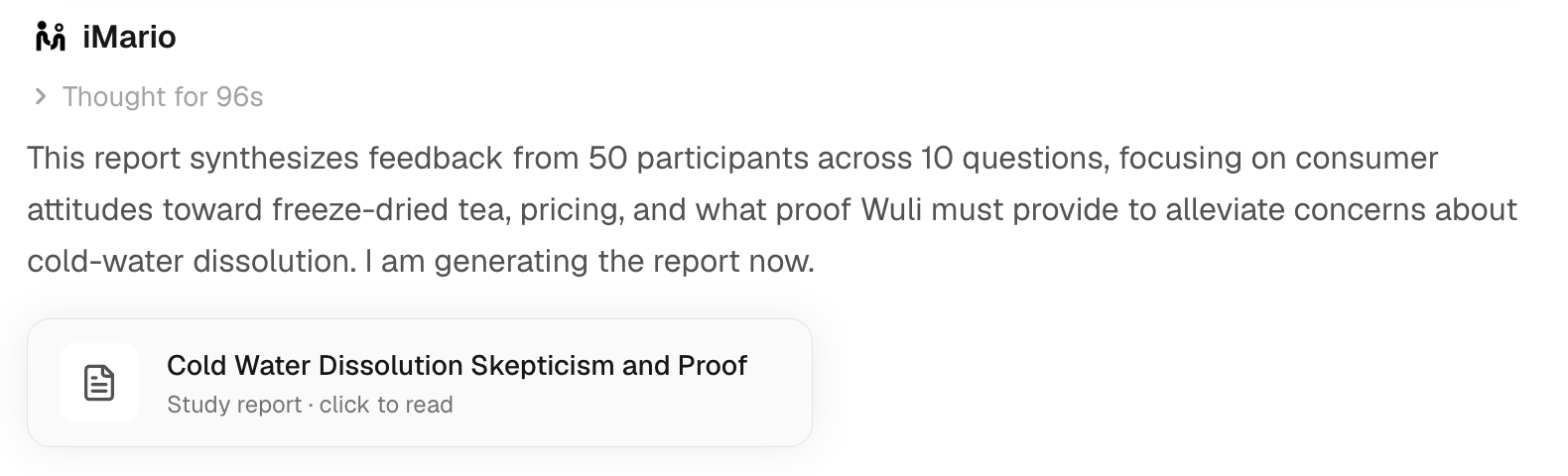
- レポートのカードをクリックして、レポートを開きます。あとから Library(ライブラリ)の Report タブで探すこともできます。
レポートのレイアウトは、ワークスペースの Report style(Consulting、Editorial、Dashboard)で決まります。この設定は Settings › Workspace にあります。変わるのはレイアウトだけで、内容は変わりません。
提案を閉じた場合でも、実行が終わったあとなら、タスクの会話でレポートを依頼できます。1つの意思決定が複数のタスクにまたがるときは、調査方法、オーディエンス、素材が比較できる実行を選びます。
1つ以上の実行をもとにレポートを作成し、タブごとに読んでからダウンロードします。各ステップでハイライトされた箇所をクリックするか、「次へ」で進みます。
この操作ガイドの内容は、このページにも番号付きの手順として書き出しています。
レポートを段階的に読む
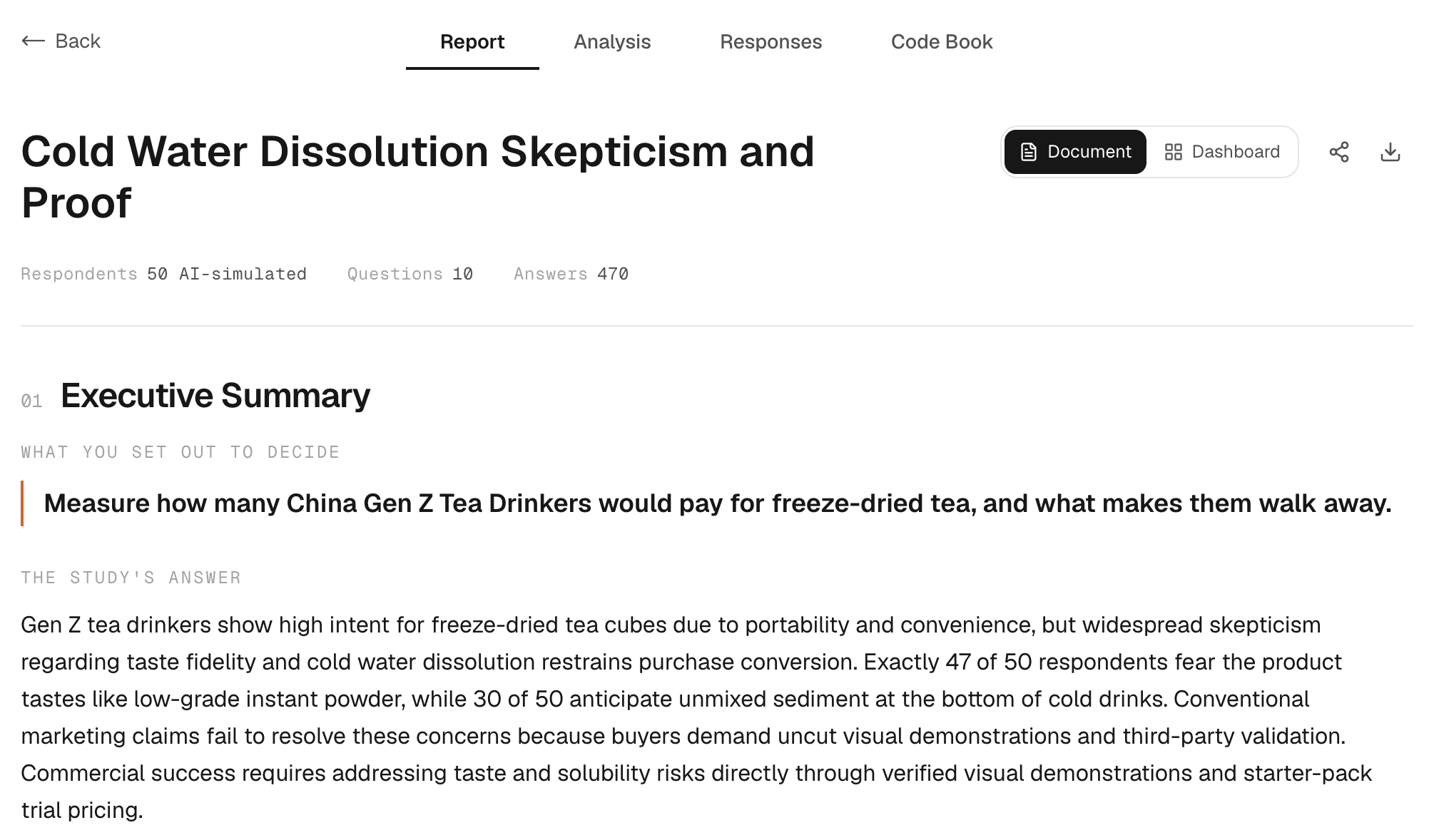
- Report タブで、タイトル、回答者数と回答数、Executive Summary、TOP FINDINGS を読みます。提言は一つひとつ根拠と照らし合わせてください。断定的に書かれていても、証明になるわけではありません。
- Analysis をクリックすると、質問ごとに回答を確認できます。
- Responses をクリックすると、回答者ごとの詳細と回答を確認できます。
- Code Book(コードブック)をクリックすると、各回答がどうコーディングされたかを、ラベル、センチメント、回答者、引用とあわせて確認できます。テーマの元になった回答をたどるときに使います。
セクションの構成は、調査やレポートによって異なります。制約事項と開示事項のセクションでは、レポートがどこまでを扱っていて、どう読めばよいかを説明しています。
費用と再作成
レポートの費用は、対象となる実行のクレジットをもとに決まります。金額は、Yes をクリックする前に提案の中に表示されます。料金と計算例は料金とクレジットを参照してください。
完成したレポートを開いても、作り直されることはありません。レポートを作り直す場合や、新しい組み合わせの実行でレポートを作成する場合は、新たに課金されます。終わっていないリクエストを再試行するのと、完成したレポートを作り直すのとは別の操作です。
レポートの作成に失敗した場合
会話に戻って、レポートのカードを確認します。リクエストがそもそも始まっていなければ、提案がまだ残っていることがあります。もう一度試す前に、利用状況でクレジットが返還されているかを確認してください。エラーメッセージが表示されただけでは、返還されたとは限りません。
レポートができたら、調査手法と、AI によるシミュレーションデータであることの開示を添えて共有またはエクスポートします。