

Webページの評価を集める
実際に表示されるページをオーディエンスに評価してもらいます。ページへのフィードバックは、ユーザビリティテストとは区別して扱います。
Webページフィードバックを使うと、ページを見たオーディエンスの反応を集められます。ランディングページや製品ページのメッセージ、信頼につながる手がかり、閲覧者がためらいそうな箇所を調べるのに向いています。
ページを用意する
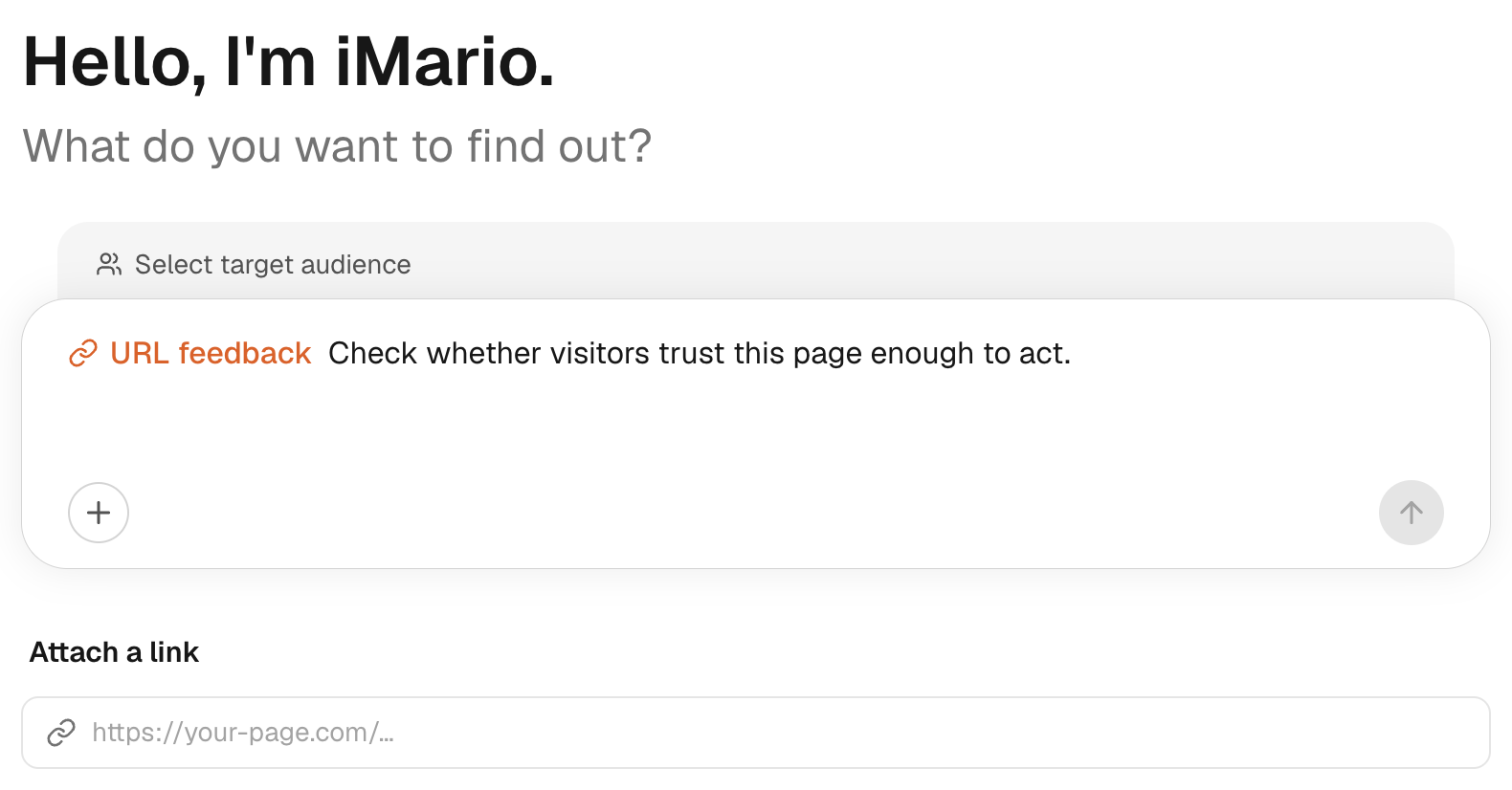
- New Task を開き、URL feedback を選びます。
- オーディエンスを選び、ページの URL を追加します。
- ページのプレビューを確認します。ログインフォームやエラー、同意画面ではなく、見せたい内容が表示されていることを確かめます。
- 「このページでデモを申し込まないとしたら、何が理由になりますか?」のように、焦点を絞った質問をします。
- 回答者数を設定し、調査の対象と内容を見直してから Get feedback を選びます。
フィードバックの対象は、ページを取得して表示した時点で読み込めた内容です。ログインしないと見られない部分、ブロックされたリソース、操作しないと表示されないコンテンツは、読み込めないことがあります。プレビューは大事な確認手段ですが、サイトの隅々まで読み込まれたことを保証するものではありません。
結果を読み解く
実行時の警告を確認します。画像などの視覚的な要素が一部しか読み込めなかった場合や、まったく読み込めなかった場合は特に注意してください。各コメントが、表示された内容のどこを指しているのかをたどります。表示されなかったセクションについてのコメントを、回答者がそのセクションを見た根拠として示さないでください。
ここで得られるのは、ページの内容と見せ方へのフィードバックです。実際の訪問者が登録を完了したこと、購入手続きを最後まで進めたこと、自社のアプリケーションを問題なく使えたことを裏付けるものではありません。
費用と次のステップ
認証なしで表示できる公開 URL を使います。それでもページにアクセスできない場合は、クリエイティブテストでスクリーンショットを添付するか、インタビューに該当するテキストを盛り込みます。その際は、代わりの素材に実際に何が含まれているかを明記してください。
Webページフィードバックを実行する前に、表示された見積もりを確認します。レポートを依頼した場合、その作成費用は別に表示されます。詳しくは料金とクレジットを参照してください。