

Help & Updates
Send Feedback
Report an issue or describe the workflow a product change should improve.
此页译文尚未提供,当前显示英文原文。
Use Feedback in the app sidebar to send a bug report or product suggestion. Describe the task you were trying to complete and where the current experience prevented it.
For a bug
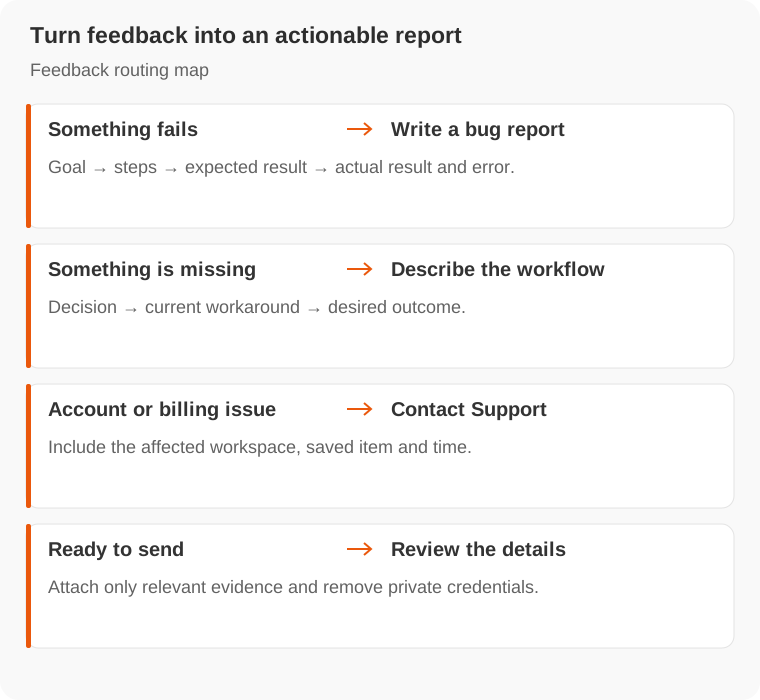
Include the problem, a short description, reproduction steps and the error shown. State the expected result and whether it happens after reopening the task.
For a suggestion
Explain the decision or workflow you want to support, the current workaround and what a successful outcome would look like. A concrete example helps more than a feature name alone.
For account access, billing or an urgent issue, contact Support. See Documentation updates for changes to this manual.