

检查和更新人群
核对来源和人群构成,弄清同步和重建分别会带来什么变化。
人群的名字只是个简称。适不适合这次调研,要看定义和依据。
看懂详情页
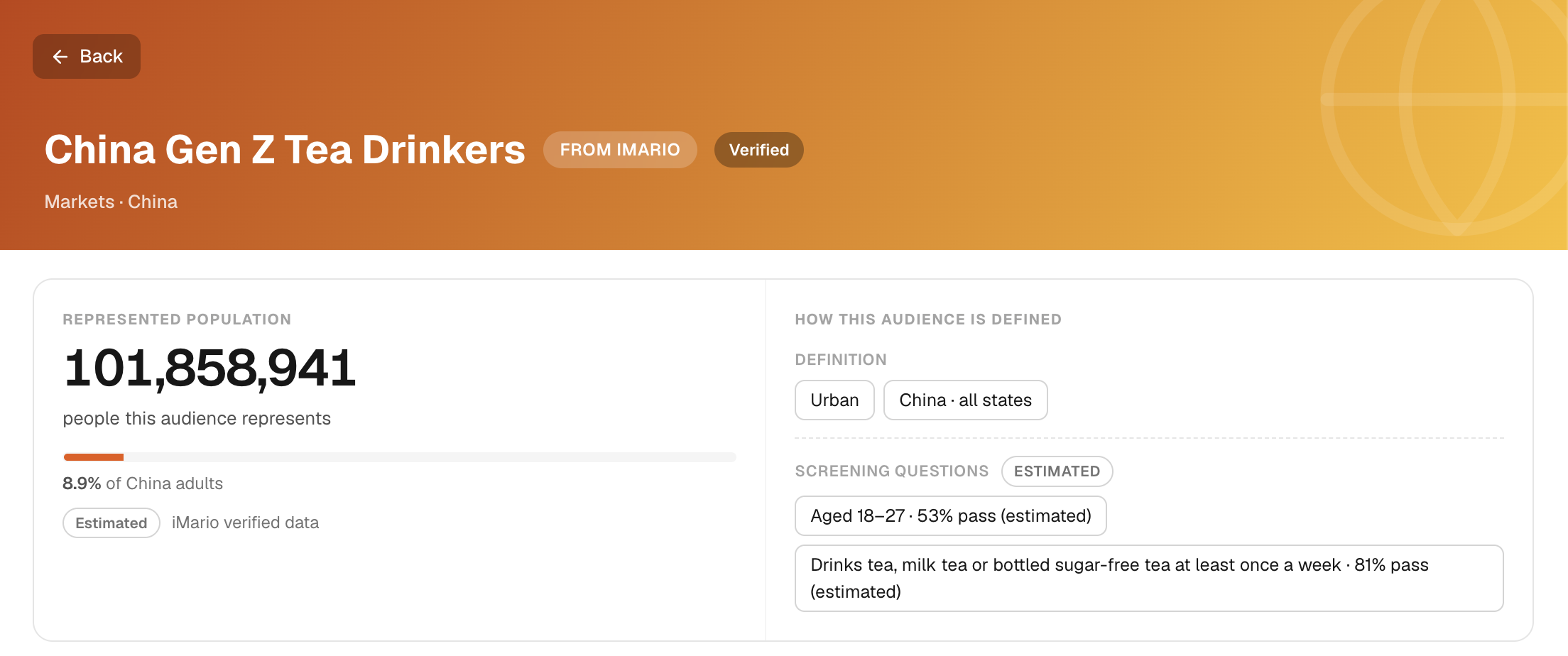
在 Audience 里打开一个人群。页面上有哪些部分,取决于人群的来源,逐项看一下:
- HOW THIS AUDIENCE IS DEFINED(人群的定义):群体的边界划在哪里。
- Audience Distribution(人群分布):人群在各个人口统计维度上的构成。
- Mindset 和 Behavior:他们怎么想、怎么做。有真实调研回答记录在案时,这两张卡片会把回答列出来,附上来源和年份。
- Sources(来源):构建这个人群时用的资料,或者它的回答所依据的资料。
- Example people(示例人物)和 Used in(使用记录):一轮调研可能请到哪些人来作答,这个人群在哪些地方用过。
人口规模的数字,不是你这次调研的受访人数。如果新问题的措辞或背景不一样,已经记录在案的真实回答,也不能自动算作新问题的直接依据。
同步和重建是两回事
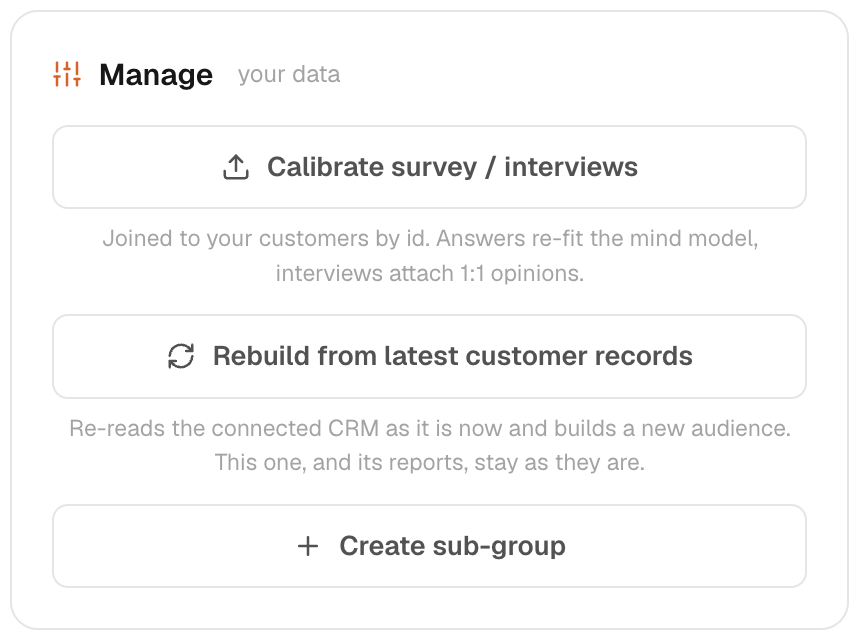
已连接的问卷或录制内容,可以按这个数据连接的规则,为现有人群补充依据。依据能不能对应到具体某个人,要看有没有可用的标识;没有标识的资料,可能只在整体上为这个人群提供参考。
如果客户记录来自数据连接,Rebuild from latest customer records 会根据更新后的成员名单和补充资料,创建一个新的人群。使用前,先检查新的人群构成。原来的人群和之前的报告都会保留,记录的是之前的范围。
校准和创建子群体
如果需要对照目标人群,重新核对这个人群的来源依据或构成,就用 Calibrate。校准不会把模拟回答变成实际观察到的事实。校准之后,记下改了什么,再重新检查一遍人群定义。
想保存一个范围更窄的群体,用来对比或分析,就用 Create sub-group。子群体会继承所属人群的局限和来源覆盖范围。条件要想清楚再设;用于调研之前,先看一下可用的受访人数。
谨慎移除来源
移除来源时,用人群自带的来源管理选项操作。移除文件后,来源怎样断开、它带来的依据怎样删除,详见连接指南。在服务商那边撤销授权,只会停止访问,本身不会删除 iMario 已经存下的副本。
如果人群看起来不对,先别急着改调研问题,检查一下字段匹配、来源人群和依据的日期。参见用自有数据构建人群和解读依据。
删除人群后,以后就选不到它了,与它关联的来源配置也可能一并删除。已有的调研和报告可能仍保留当时记录的范围,但删除人群抹不掉已经分享或导出的副本。删除前,先确认没有在用的任务、报告或团队流程依赖这个人群。