Test a Creative
Show an image to an audience and explore what it communicates.
此页译文尚未提供,当前显示英文原文。
Use a creative test to investigate an image, package, advertisement or interface screenshot. Give respondents a specific question instead of asking for an undirected design review.
Prepare the image
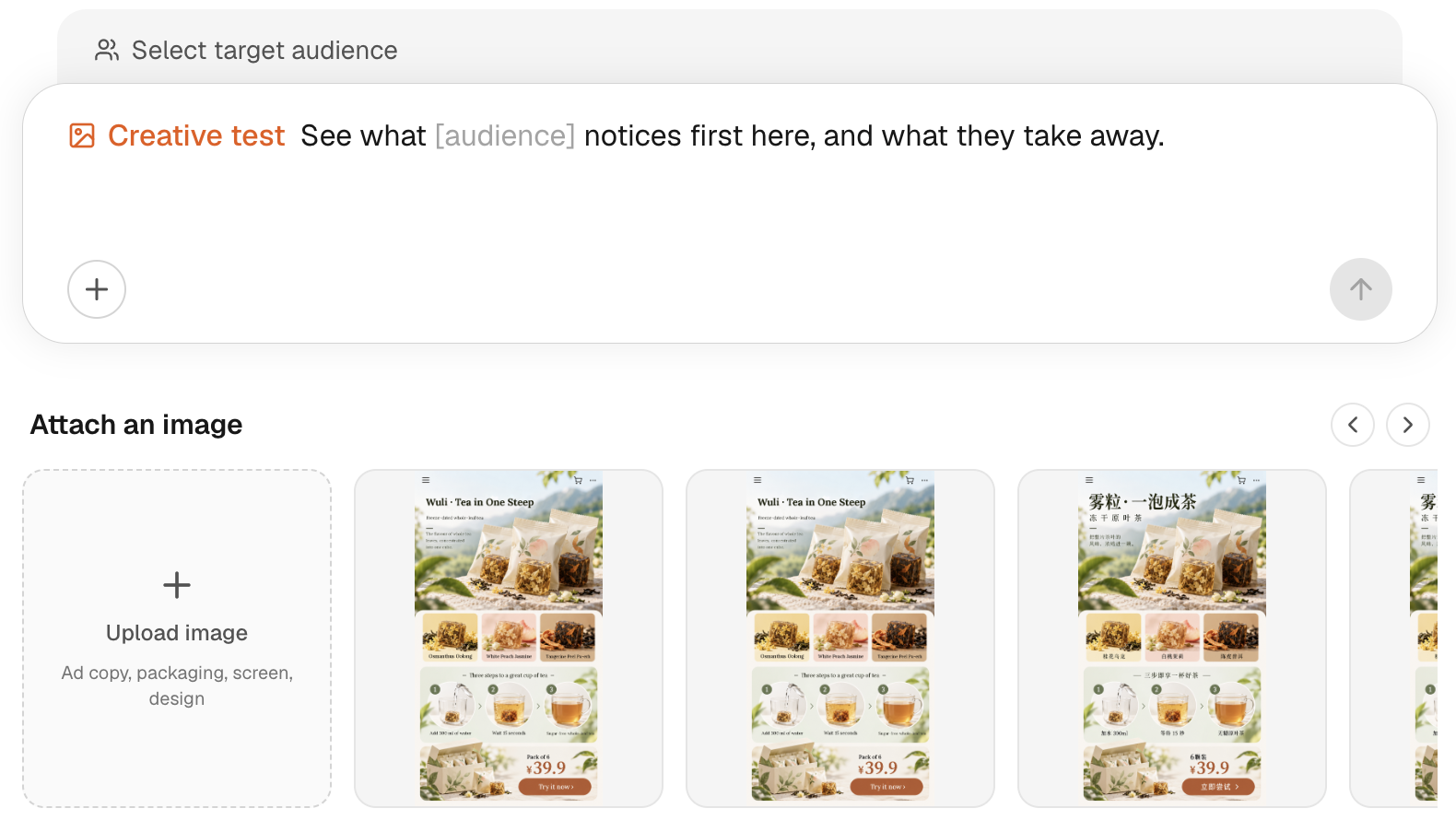
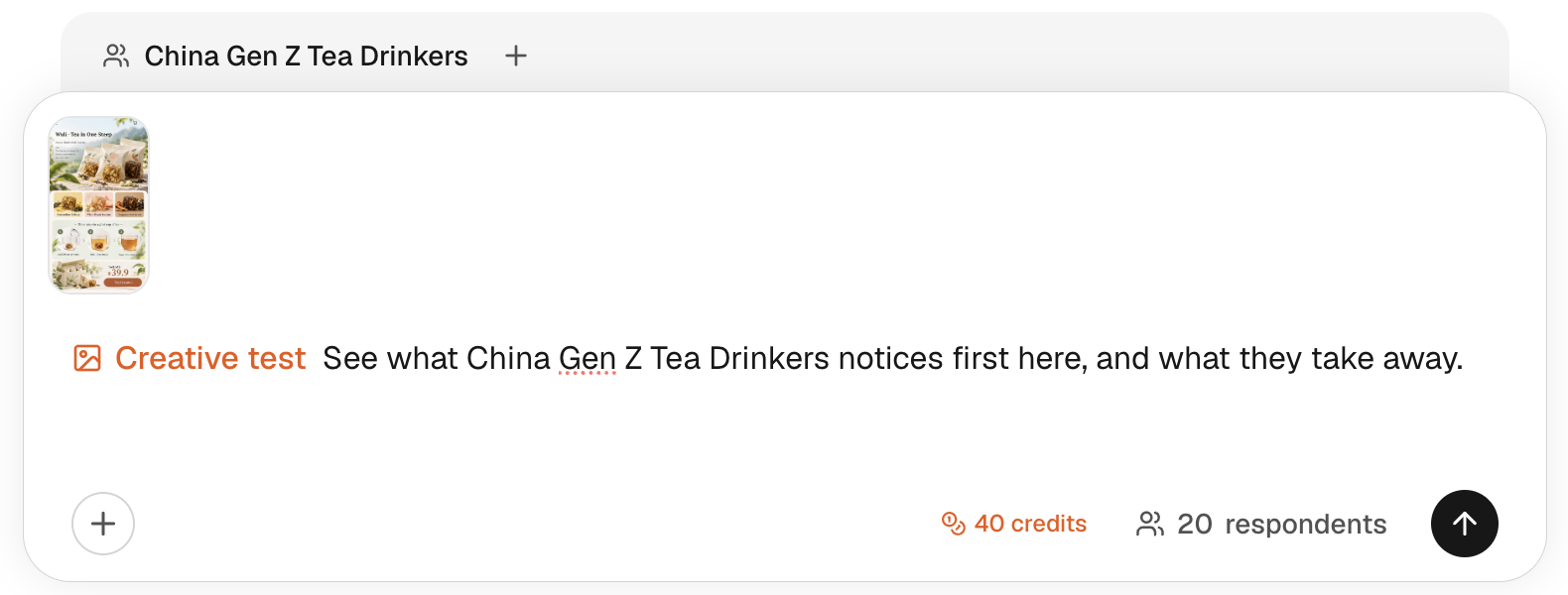
Open New Task, choose Creative test, and select the audience. Attach an image using the upload area. Wait for the upload to complete and check that the thumbnail is the version you intend to test.
Write a question such as:
What do you think this product promises, and which part of the packaging makes you think that?
Use a readable image at the detail level relevant to your question. A screenshot represents the captured state, not every screen or interaction in a product. For an accessible live page, consider URL feedback.
Set respondent count, review the estimate and choose Get reactions.
What would you like to find out?
What does this packaging promise?
DAILYSample creative
An illustrative image.
Use your actual stimulus.
Preview only · no research is submitted
Attach and inspect an image
Use the selector above the composer. Read the definition before selecting.
Read the reaction
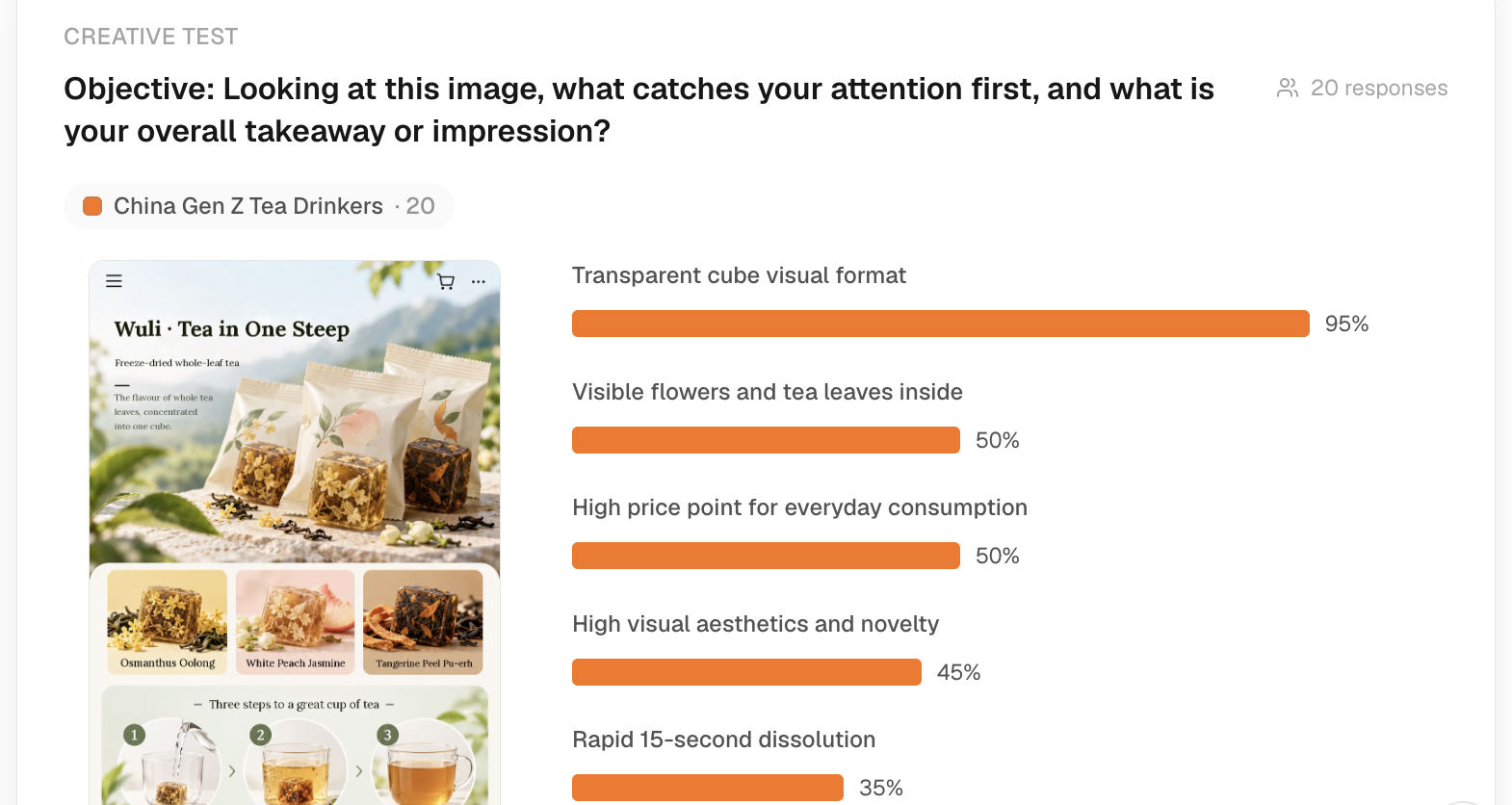
Check the displayed stimulus before reading the results. Inspect what participants notice, what they infer and what they misunderstand. Use the exact source image to judge whether a response refers to something visible.
These are modelled reactions, not eye tracking, observed usability sessions or proof that an advertising claim is correct. If a claim matters, check its underlying evidence separately.
Compare or follow up
A creative test focuses on one stimulus. Use Preference test when you have alternative creatives to compare. To investigate a misunderstanding, ask a follow-up with the image context kept explicit.
Creative tests cost 2 credits per respondent; reports are separate. See Pricing & credits.
If the upload fails, use the file types and size accepted by the current picker, wait for processing, and retry the upload before submitting. Do not assume an attachment that failed to upload was shown to respondents.