Research

Get Feedback on a Page

Review a rendered page with an audience and distinguish page feedback from usability testing.

此页译文尚未提供,当前显示英文原文。

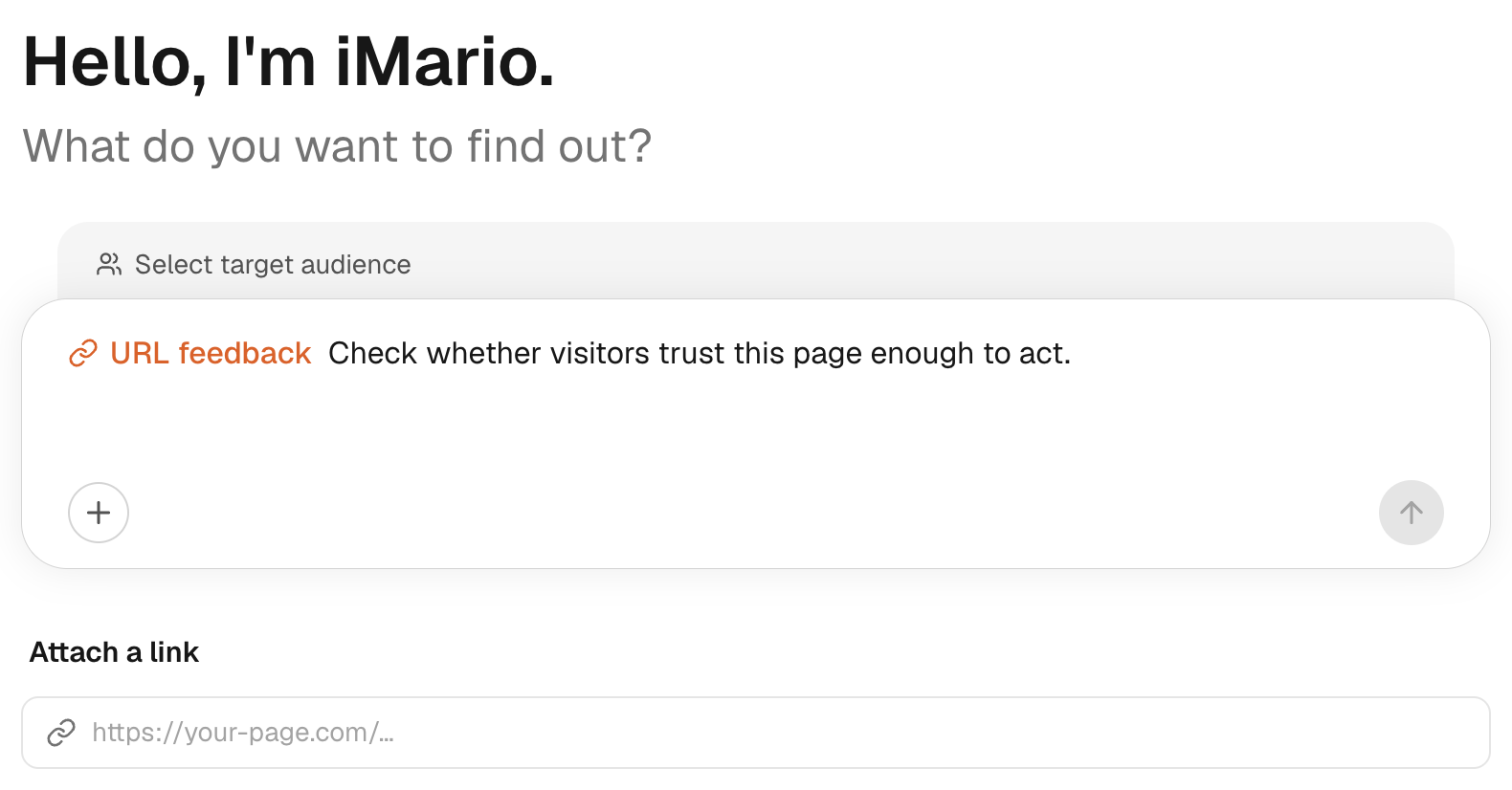
URL feedback lets an audience react to a page. It is useful for examining the message, trust cues and likely points of hesitation on a landing or product page.

Prepare the page

  1. Open New Task and choose URL feedback.
  2. Select the audience and add the page URL.
  3. Inspect the page preview. Confirm that it shows the intended content rather than a login form, error or consent screen.
  4. Ask a focused question, such as “What would stop you from requesting a demo on this page?”
  5. Set respondent count, review the scope and choose Get feedback.

The feedback concerns what the page fetch and render made available. Login-only areas, blocked resources and content that depends on interactions may be unavailable. A preview is an important check, not proof that every part of a site was read.

GUIDED WALKTHROUGH4 steps · illustrative data
iMarioNew TaskDEMO

What would you like to find out?

Example shoppers

What would stop you from requesting a demo?

https://example.com/product
Example productMake the everyday easier.Check the rendered content before running.
+   URL feedback
Respondents ⌄

Preview only · no research is submitted

Review a page before asking

1. Choose an audience

Use the selector above the composer. Read the definition before selecting.

1 / 4
Interactive illustration based on the documented interface. No live account, credentials or research results.

Interpret the result

Read the run's warnings, especially when visual content is partial or unavailable. Trace comments back to the rendered material. Do not present a comment about a missing section as evidence that a respondent saw the section.

This is feedback on page content and presentation. It does not establish that a real visitor completed signup, navigated a checkout or successfully used your application.

When the page cannot be read

Use a public URL that renders without authentication. If the page is still inaccessible, attach a screenshot in a Creative test, or include the relevant text in an Interview. State what material the substitute actually contains.

URL feedback costs 5 credits per respondent when run as a page test. Thirty respondents cost 150 credits before report generation. See Pricing & credits.

Continue by exploring responses or validating with people.

Get Feedback on a Page | iMario