

MCP & Agent Setup
Connect an external agent to iMario and install its companion research skill.
Fastest path: paste one line into your agent
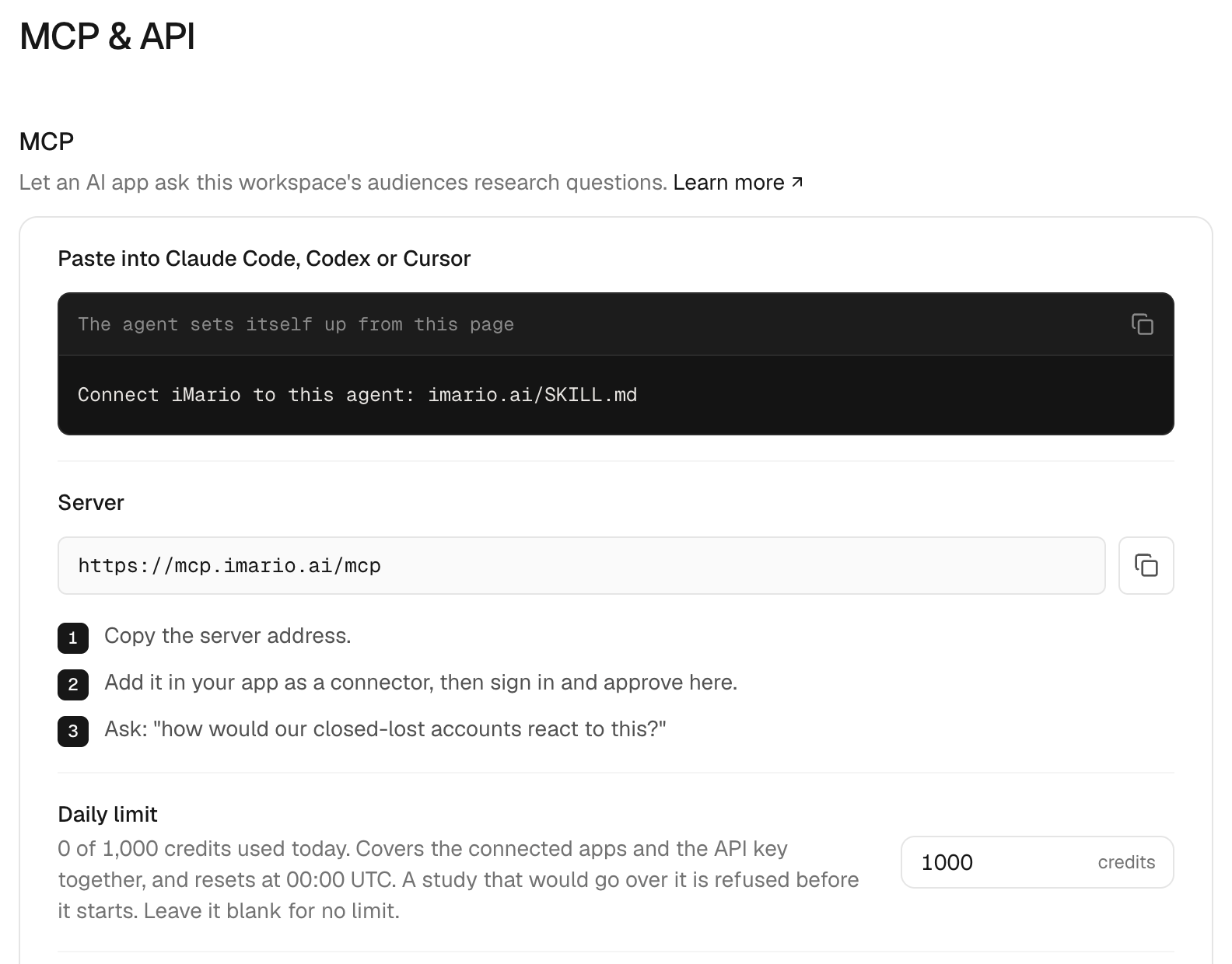
In Claude Code, Codex or Cursor, paste:
Connect iMario to this agent: imario.ai/SKILL.mdThe line names a task and the page that explains it, so the agent reads the page as instructions rather than as material to test. The page is a setup sheet, not the skill itself. It registers the iMario MCP server in your agent, installs the imario skill, and stops at the one step only you can do: approving the connection in your browser. Then it lists your audiences to confirm the connection and runs your question.
ChatGPT and claude.ai do not act on a pasted page: they read it and answer. There you add the connector yourself in the app's settings, which takes a minute; the exact clicks are in Connect the iMario MCP server.
Everything the sheet does can also be done by hand, below.
Choose the connection you need
| Goal | Setup | Where it runs |
|---|---|---|
| Ask your iMario audiences from an external agent | Connect the iMario MCP server | Your MCP client calls the iMario workspace |
| Teach that agent the research workflow and result-reading rules | Install the iMario skill | The external agent reads a local SKILL.md |
MCP provides callable tools. The companion skill supplies instructions for choosing an audience, estimating cost and reading results. Installing the skill does not connect the server or grant workspace access.
First successful setup
Connect MCP, verify that the client can list tools and accessible audiences, then install the companion skill if available. Listing tools is a connection check; submitting a study spends workspace credits. Ask for an estimate before deciding to run.
A study created over MCP appears in the workspace with a web_url. Keep that link with the results so you can inspect the study in iMario.
Privacy and support
An agent connection reads only what each tool call carries: the question, the options, the audience ids and the material you send for a study. It does not read the rest of your conversation. Data handling follows iMario's privacy policy and terms; questions go to [email protected].