

Generate and Read a Report
Choose completed runs, generate a synthesis, and trace findings back to responses.
A report brings one or more completed runs together into a written synthesis. It is separate from the result cards you already see in the conversation.
Choose the scope and write the report

- When a run finishes, iMario offers a report above the composer, for example "Write one report covering 2 runs of this conversation?". The offer shows what the report costs in credits. When it covers more than one run, it lists each run with the credits that run used.
- Check the runs. Include runs that answer the same decision, including any that contradict each other. Don't add unrelated runs to make the report longer.
- Check the cost, then click Yes. To decline, click Dismiss.
A REPORT card shows progress while iMario reads the answers. When it is done, the finished report appears as a card in the conversation.
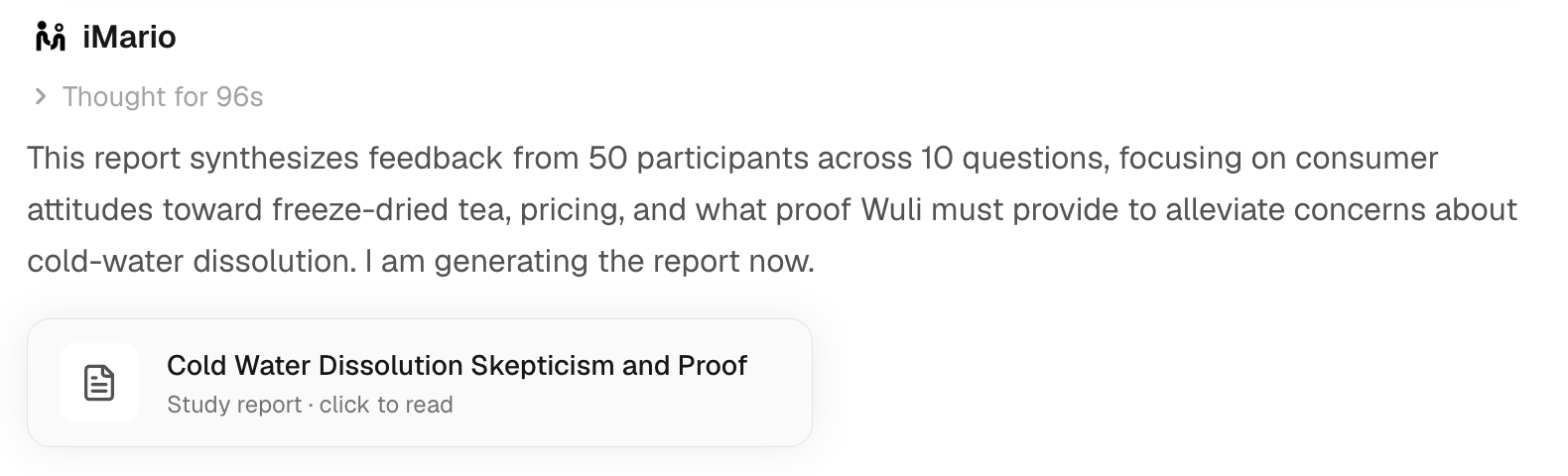
- Click the report card to open the report. You can also find it later on the Report tab of the Library.
The report's layout follows the workspace's Report style (Consulting, Editorial or Dashboard), set in Settings › Workspace. It changes the layout only, not the content.
If you dismissed the offer, you can still ask for a report in the task conversation after the run has finished. When a decision spans several tasks, choose runs whose methods, audiences and materials are comparable.
Turn one or more runs into a written report, then read it tab by tab and download it. Click the highlighted control in each step, or use Next.
The steps in this walkthrough are also written out as numbered steps on this page.
Read the report in layers
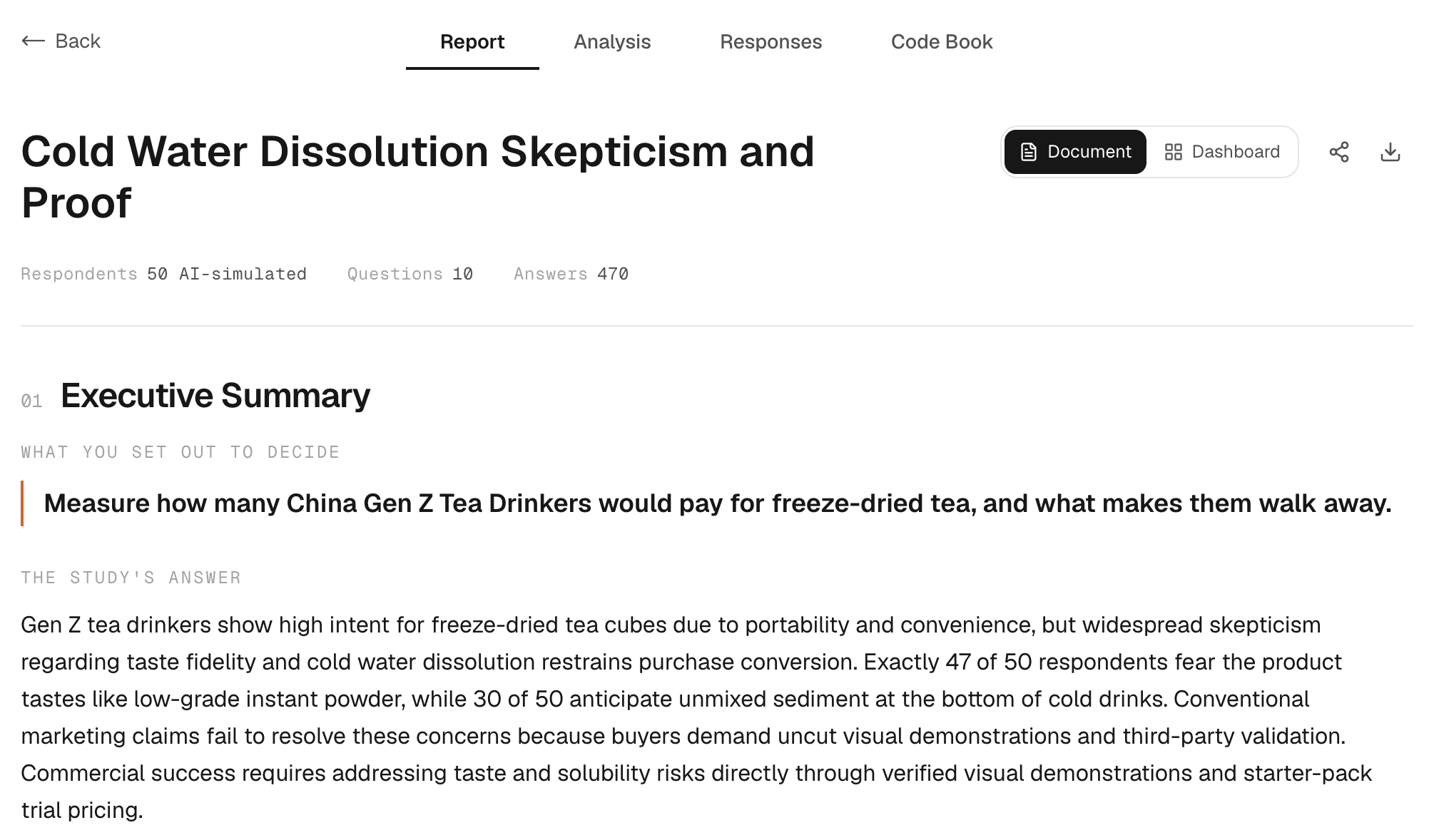
- On the Report tab, read the title, the respondent and answer counts, the Executive Summary and the TOP FINDINGS. Check each recommendation against the evidence; a confident sentence is not proof.
- Click Analysis to see each question with its responses.
- Click Responses to see each respondent's details and answers.
- Click Code Book to see how each answer was coded, with its label, sentiment, respondent and quote. Use it to trace a theme back to the answers behind it.
The sections differ with the research and the report. Limitations and disclosure sections explain what the report covers and how to read it.
Cost and rewriting
A report's cost is based on the credits of the runs it covers, and the offer shows it before you click Yes. See the rates and worked examples in Pricing & credits.
Opening a finished report doesn't write it again. Rewriting a report, or writing one over a new set of runs, is a new charge. Retrying a request that hasn't finished is different from rewriting a finished report.
If writing the report fails
Go back to the conversation and check the report card. If the request never started, the offer may still be available. Before you try again, check Usage for a refund; an error message alone doesn't mean one was made.
When the report is ready, share or export it with its methodology and AI-simulated-data disclosure.