

Help & Updates
Support
Contact the team with the context needed to investigate a problem.
Email [email protected] for product, account or technical help. Use Troubleshooting for checks you can make immediately.
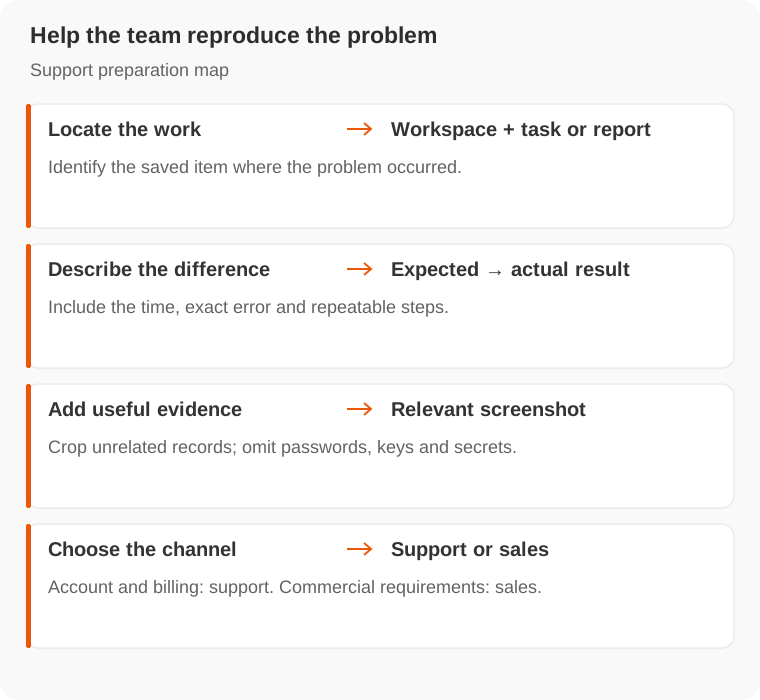
What to include
- What you were trying to complete.
- Workspace and task or report involved.
- Approximate time and the error message.
- What happened, what you expected and how to reproduce it.
- A screenshot when the issue concerns the interface.
Do not include passwords, API keys, connector secrets or sensitive customer records unless the team arranges an appropriate channel.
For a billing question, include the transaction amount and time from Usage. A screenshot of the balance alone may not identify the charge.
Use the in-app Feedback control to report a bug or suggest a change. Account-specific or urgent issues should go to support. For custom audience access or commercial requirements, contact [email protected].