

Run, Review and Follow Up
Check a run before submitting, follow its progress, and distinguish explanations from new research.
A task conversation can contain preparation, research runs, explanations and reports. Keep these distinct when deciding what to do next.
The composer accepts one or more audiences. Set the respondent count for each selected audience, and use @ when the interface offers an audience switcher. The assistant may ask clarifying questions before drafting the task. Review the draft, audience, estimate and material before submitting.
Before submitting
Check five things:
- Audience: the selected group matches the people you intend to study.
- Material: questions, answer options, images and links are complete.
- Format: the selected method matches the job.
- Scope: respondent counts and the question or topic list are intentional.
- Cost: you understand the applicable rates and have sufficient credits.
Replace bracketed template text such as “[audience]” before running. Wait for uploads to finish. For a survey or interview, attach the actual saved instrument.
When the task is ready, select Run. The task remains available while the audience is being prepared or the research is running.
While research runs
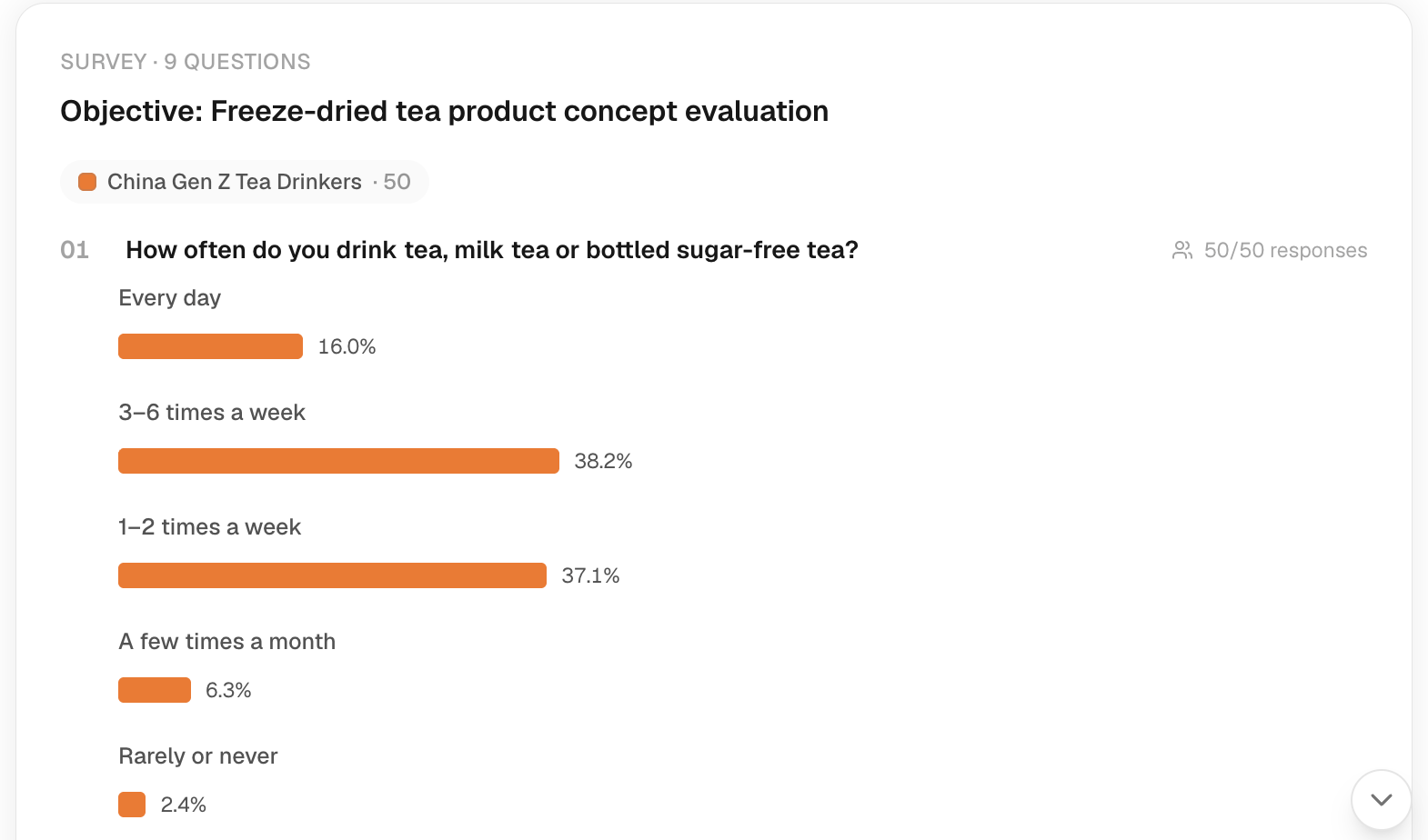
The conversation shows a progress card and, when the run finishes, its result. Server-side work is separate from the page rendering; leaving a page is not a cancellation request. Return to the task to inspect its saved state.
If a run appears stalled, reopen the task and check the status before submitting again. A fresh run can create another charge. Do not assume a network error means no research started. Use Troubleshooting for failure and recovery steps.
Two kinds of follow-up
| Request | Meaning |
|---|---|
| “Explain the disagreement in these answers.” | Interpret evidence already collected. |
| “Ask this audience whether price would stop them.” | Request new research with a new question. |
State the intended audience and material when changing scope. If the interface opens an individual respondent view, use the chat icon on the respondent's card (labeled Chat with and their name) to ask a focused follow-up about that person's answer; do not treat the conversation as a new measurement. For a finished study, open Explorer or request a report.