

Markets and Official Audiences
Understand audience access, source coverage and official audience availability.
Market audiences provide a broad population frame. Official audiences focus on particular groups. Access to either is separate from the credits spent running studies.
Inspect before selecting
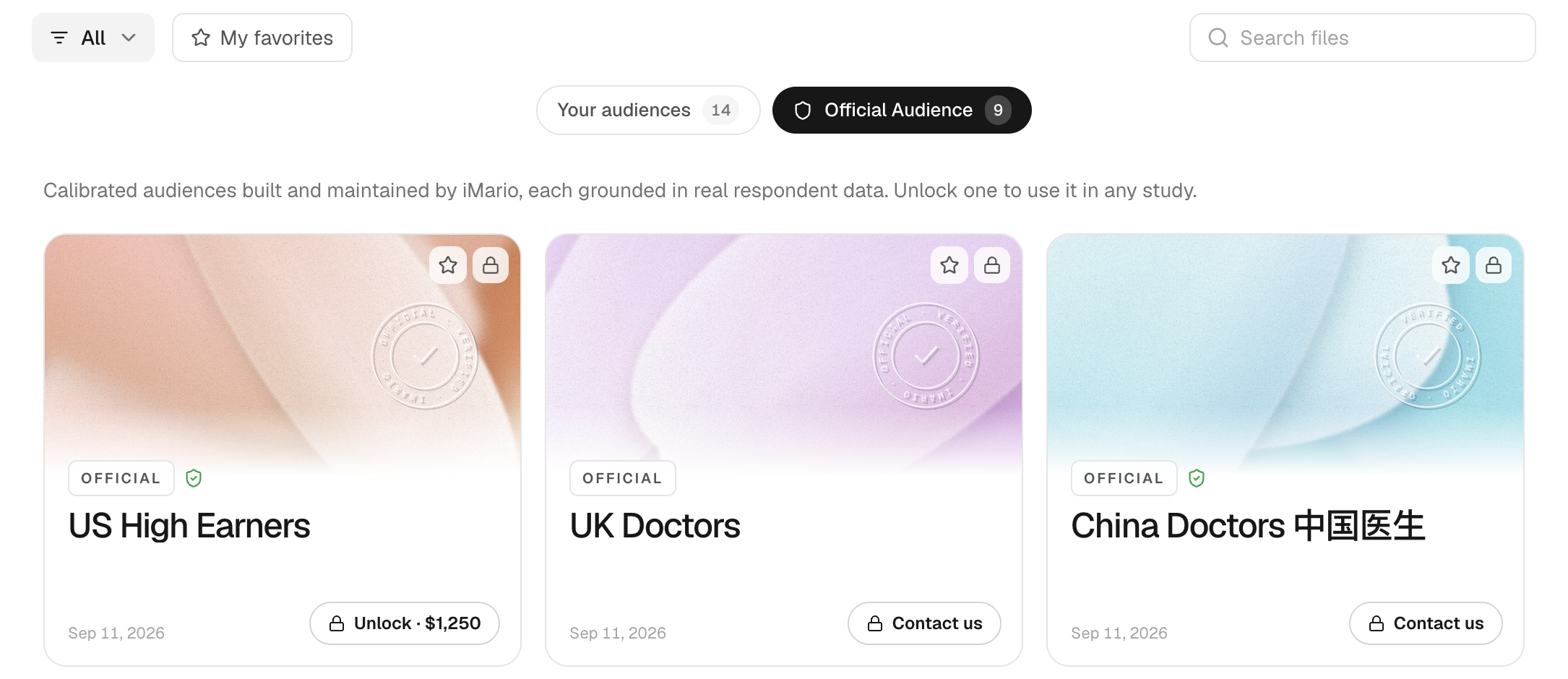
In Audience, open a catalog item and read its definition, geographic coverage, population information and sources. Distinguish the size of the real population being described from the number of simulated respondents you will run.
Your workspace has two free market slots. Additional market access is a one-time purchase. A market can be swapped only while it has not been used in a run; do not plan to rotate used markets through the free slots.
Official audience offers depend on audience class and package size. Some groups require contacting the team rather than self-service purchase. Check the scope and price in the unlock dialog. Pricing & credits explains how access differs from usage.
Use and revisit
Select the accessible audience in New Task and set the study size. Return to its detail page to inspect sources and past use. To define a condition-based segment from an available source population, see Create an Audience from iMario. If the question concerns characteristics the catalog does not support, use your own data or describe the limitation when reporting the result.