

Build an Audience from Your Data
Upload customer records and supporting evidence, review field matching, and create a reusable audience.
Build from data when you have material that describes the people you want to study. The creation flow lets you review what each file contributes before committing to an audience.
Prepare your sources
Customer records establish who is in the audience. Survey responses add structured answers. Interviews and feedback add language and qualitative context. When sources describe the same people, preserve a stable customer ID or email so they can be matched.
A transcript or product brochure alone is not necessarily a customer roster. Keep source labels, question wording and answer options where available. Avoid merging unrelated people merely because two files have similarly named columns.
Upload and review
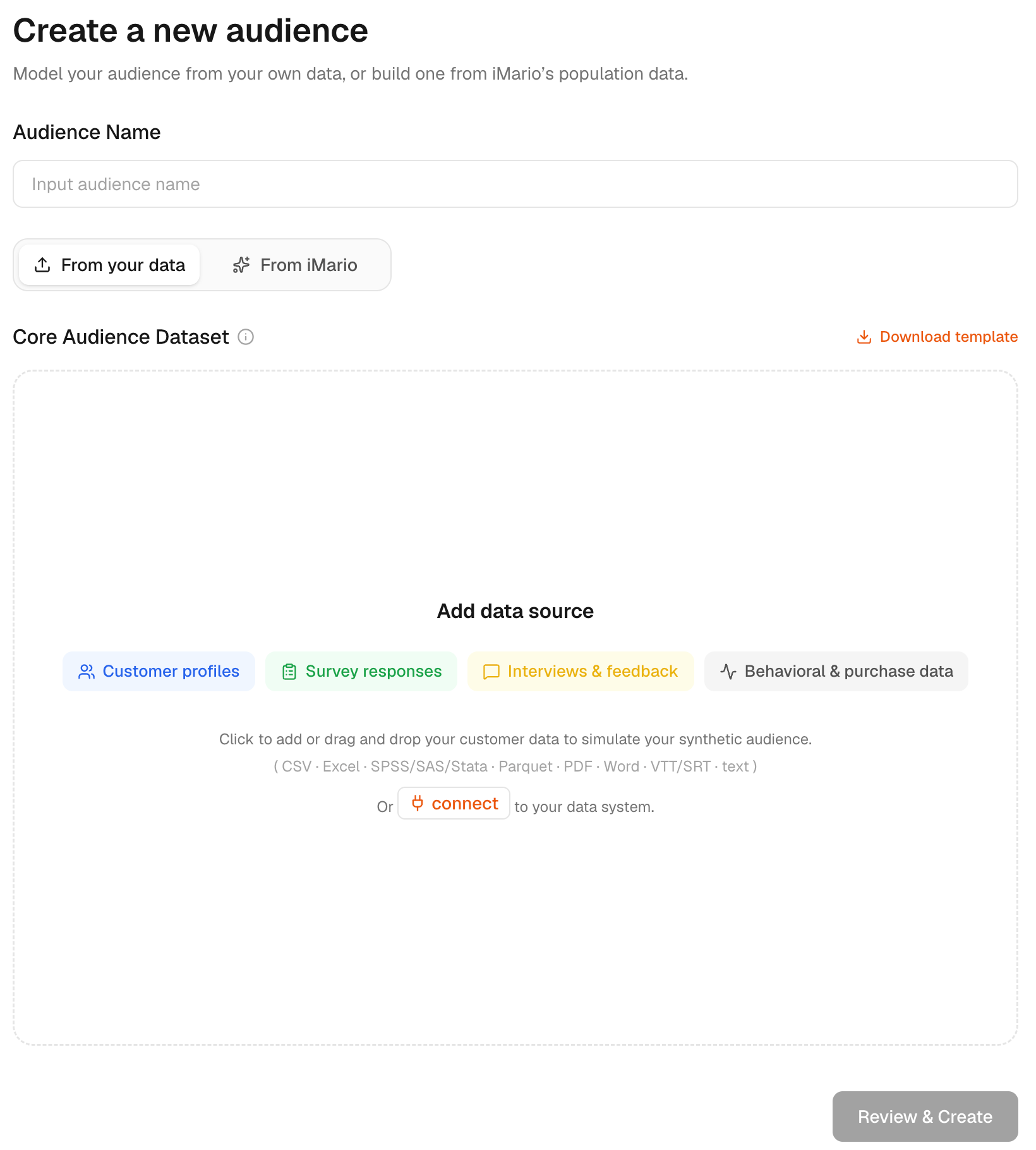
- Open Audience and start a new audience.
- Enter an Audience Name and choose From your data.
- Upload the files, or choose Connect a data system for a supported source.
- Wait for processing. Open each source's Review to inspect the contents and detected fields.
- Choose Review & Create. Check field matches, identifiers, source roles and any material excluded from the build.
- Resolve uncertain mappings before confirming creation.
The review step is where you verify that an email column is a join key, a demographic column describes a person, and a response column belongs to a survey question. Fix a wrong match rather than hoping the resulting audience will correct it.
An uploaded summary table adds attributes to the people it can match; it does not by itself create a new person for every row. Use a stable identifier to match the table to existing customer records, and review unmatched rows before creating the audience.
Check the finished audience
Open its detail page. Compare the distribution and definition with your source data. Inspect source coverage and example people. Start with a focused study before relying on the audience for a wider decision.
The audience answers as a population. Results describe the group and its segments, built from the people in your files; they do not predict what a named person in those files would say.
If creation cannot continue, check for files still processing, unusable sources, unresolved mappings or the absence of a source that can establish the population. Correct the data or mapping and review again.
If an audience is Held back, read the reason shown on its detail page before retrying. A held-back audience cannot be used in a run: correct the file or mapping and create it again from your file. Do not silently substitute a different audience.
Updating evidence
Connected sources can feed new evidence according to their sync rules. Rebuilding customer membership is a separate action; see Review and update an audience and the connection guide.
Audience creation and research usage are shown separately in the current estimate. See Pricing & credits.