

Use the Questionnaire Builder
Create, import, review and save a questionnaire before running research.
The questionnaire builder turns a research goal into a saved instrument. The goal describes what you want to learn; the questions and response options determine what respondents actually answer.
Create or import a questionnaire
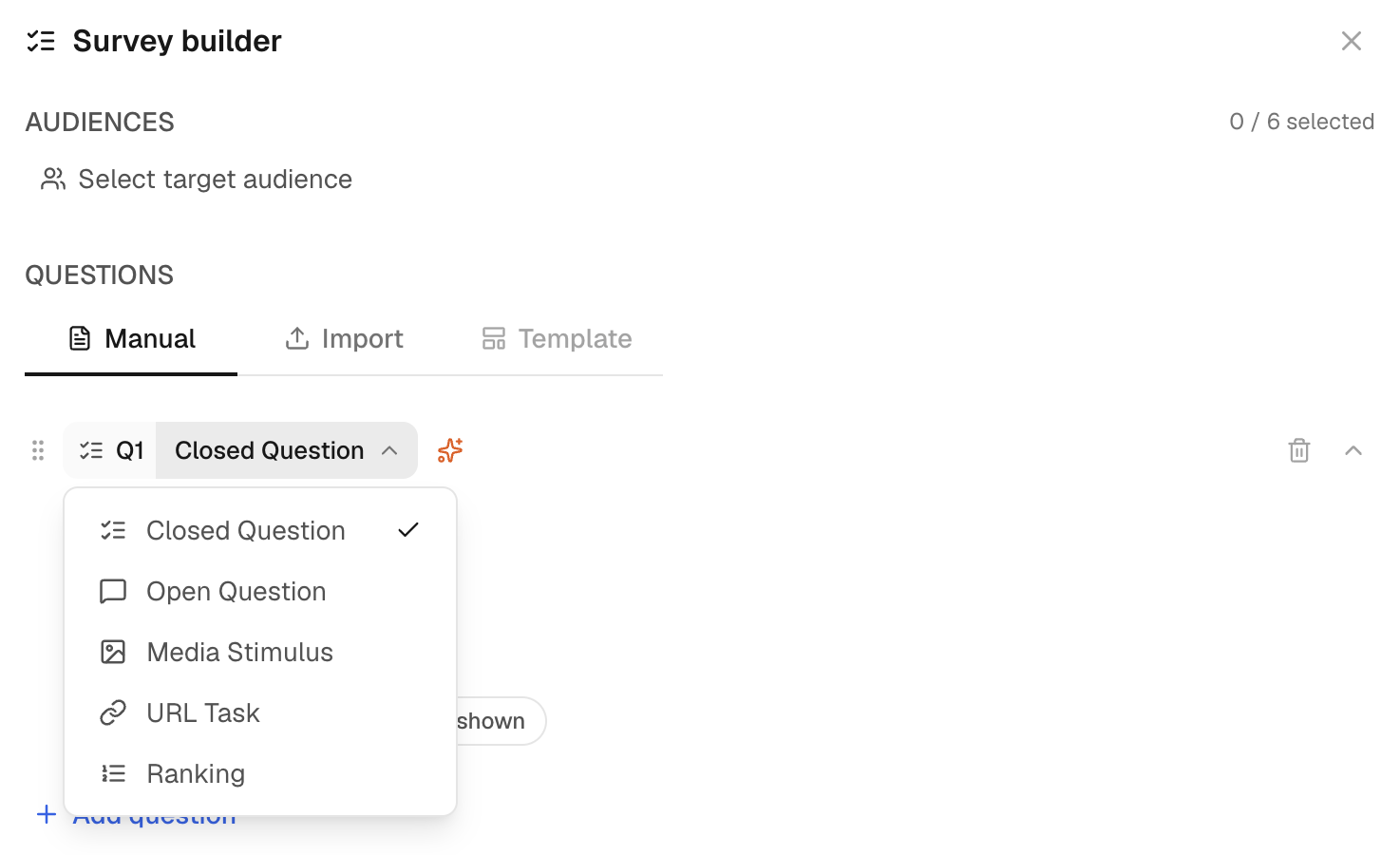
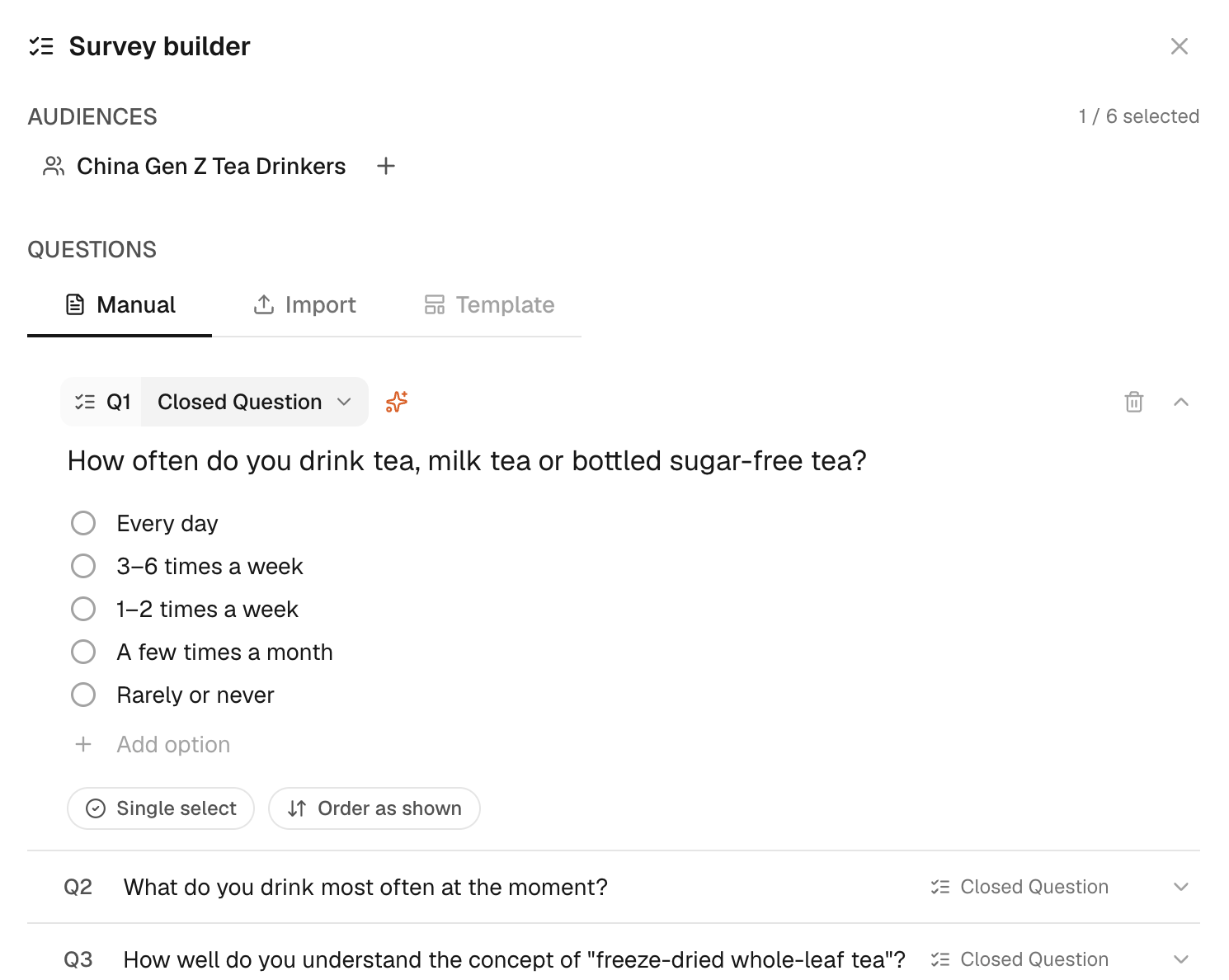
Open the Questionnaire Builder from Library, or open it from New Task after choosing Survey. Use Draft survey to turn a goal into a questionnaire, choose Manual to enter questions yourself or choose Import to bring in a supported document.
Supported imports include PDF, DOCX, XLSX, CSV, TXT and Markdown. Convert older binary Office files before importing them.
Review before saving
Check every question, response type, option, ranking item and instruction block. Remove duplicate or leading wording and correct anything the importer interpreted as a question. Save the questionnaire to Library.
Instruction blocks do not count as respondent questions. Split a long questionnaire when separate sections answer different decisions so that the scope and estimate remain clear.
Run and revise
Review the displayed estimate before submitting. After a run, use Explorer to inspect differences and request a report when a synthesis is useful. Editing a saved questionnaire prepares a future run; it does not change answers already collected.
See Pricing & credits for question-rate examples.