

Create an Audience from iMario
Define a reusable segment from an iMario source population.
Use From iMario when you want a condition-based audience without uploading your own customer records. It starts from an available source population and creates a reusable segment within that population.
Create the audience
- Open Audience and start a new audience.
- Enter an audience name and choose From iMario.
- Under Create from, choose the source population.
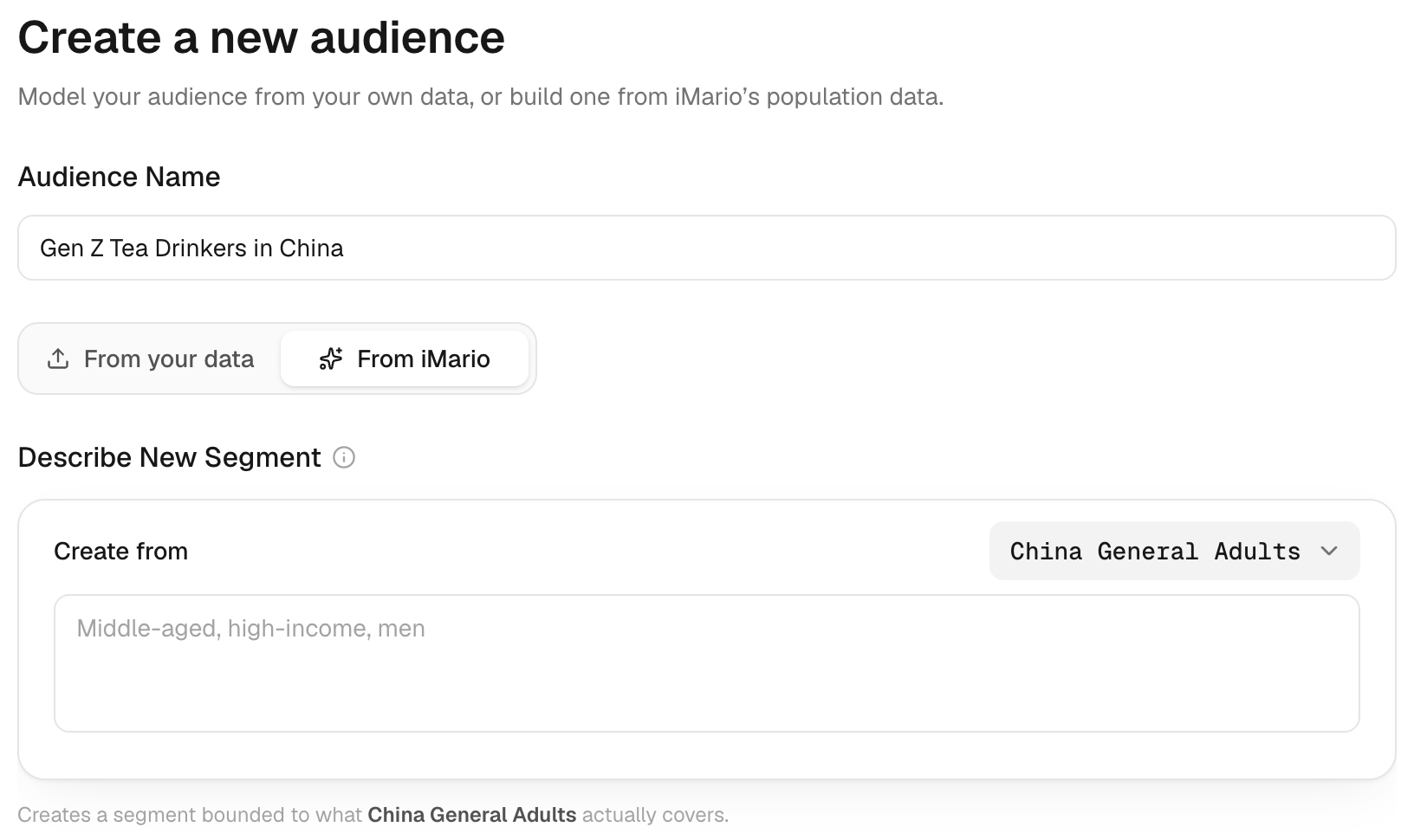
- Describe the segment using the demographic or behavioural criteria relevant to your decision.
- Review the resulting definition, source coverage and any unsupported criteria before using it in a task.
The source population limits what the segment can represent. If a criterion must be established by asking people, such as a hobby or habit, iMario may prepare the audience in the background before respondents become available. A task that uses the audience waits until those respondents are ready. Rare criteria may produce fewer available respondents than broad criteria.
Use and review the audience
When the audience is ready, select it in New Task, set the respondent count and review the estimate before running. Return to the audience detail page to inspect its definition, sources and available population.
Do not treat a segment description as evidence that the source contains a requested attribute. For characteristics the available source does not support, build an audience from your data or plan Validate with real world data.
See Markets and Official Audiences for access and source coverage.