

Review and Update an Audience
Check sources, population composition and the effect of syncing or rebuilding.
An audience's name is a shorthand. Its definition and evidence determine whether it fits a study.
Read the detail page
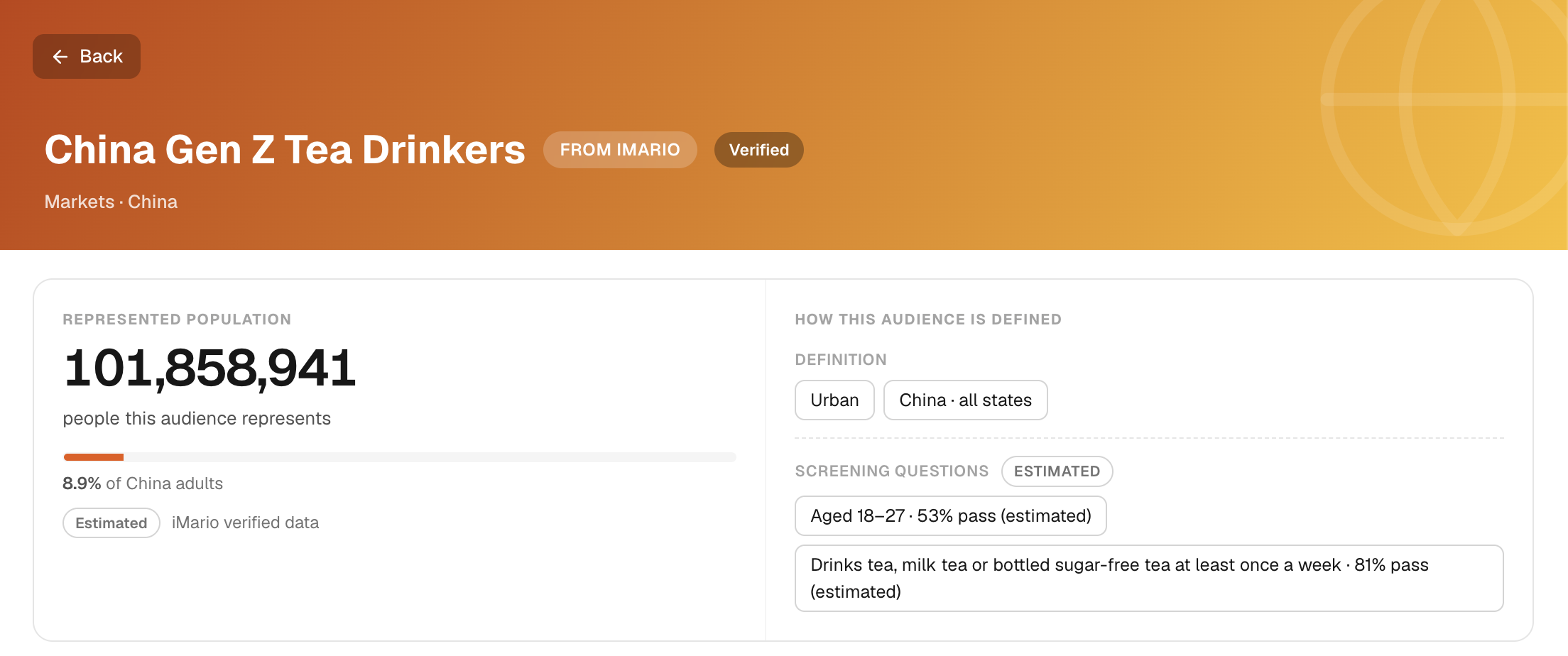
Open an audience from Audience. Inspect the parts that are available for that source:
- HOW THIS AUDIENCE IS DEFINED: the boundaries of the group.
- Audience Distribution: composition across demographic dimensions.
- Mindset and Behavior: what they think and what they do. Where real survey answers are on record, these cards show them with their source and years.
- Sources: the material used to build the audience, or that its answers are anchored to.
- Example people and Used in: who a run may seat and where the audience has been used.
A population-size figure is not your study's respondent count. A real answer on record is not automatically direct evidence for a new question with different wording or context.
Sync and rebuild do different jobs
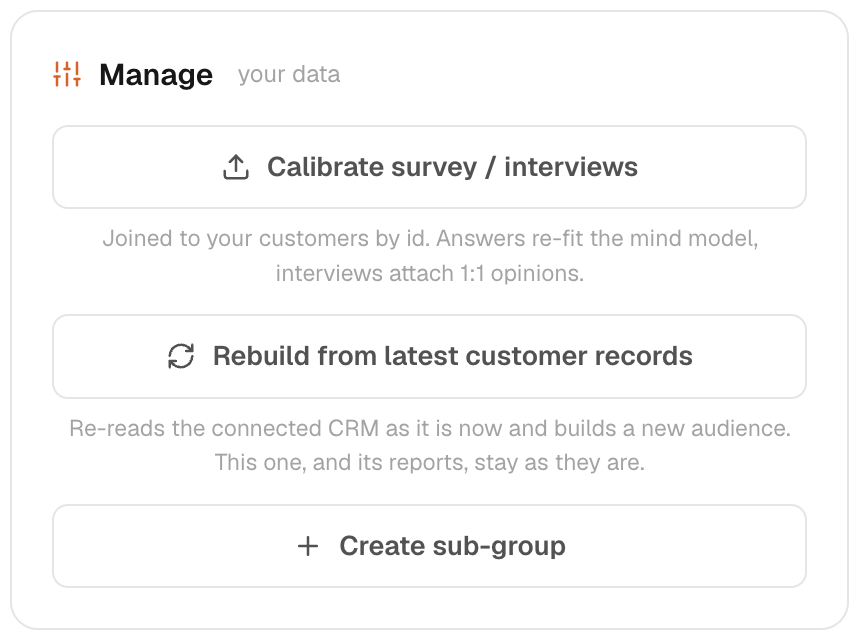
A connected survey or recording can add evidence to an existing audience under that connector's rules. Matching evidence to an individual depends on usable identifiers; unidentified material may inform the audience more generally.
For connected customer records, Rebuild from latest customer records creates a new audience from the updated membership and supporting material. Review the new population before using it. The old audience and its earlier reports remain a record of the previous scope.
Calibrate and create a subgroup
Use Calibrate when the audience needs its source evidence or composition reviewed against the intended population. Calibration does not turn modelled answers into observed facts; record what changed and recheck the audience definition afterward.
Use Create sub-group to save a narrower group for comparison or analysis. A subgroup inherits the limitations and source coverage of its parent audience. Set its criteria deliberately and check the available respondent count before using it in a run.
Remove a source carefully
Use the audience's source controls. Read the connection guide for how removing files disconnects a source and removes its contributed evidence. Revoking authorization at the provider stops access but does not itself delete iMario's stored copy.
If the audience looks wrong, check field matching, the source population and the date of the evidence before changing research questions. See Build from data and Evidence.
Deleting an audience removes it from future selection and can remove its associated source configuration. Existing runs and reports may retain their recorded scope, but deletion is not a way to erase copies already shared or exported. Confirm that no active task, report or team workflow depends on the audience before deleting it.