

Workspace Settings
Manage workspace identity, collaboration controls, billing context and integrations.
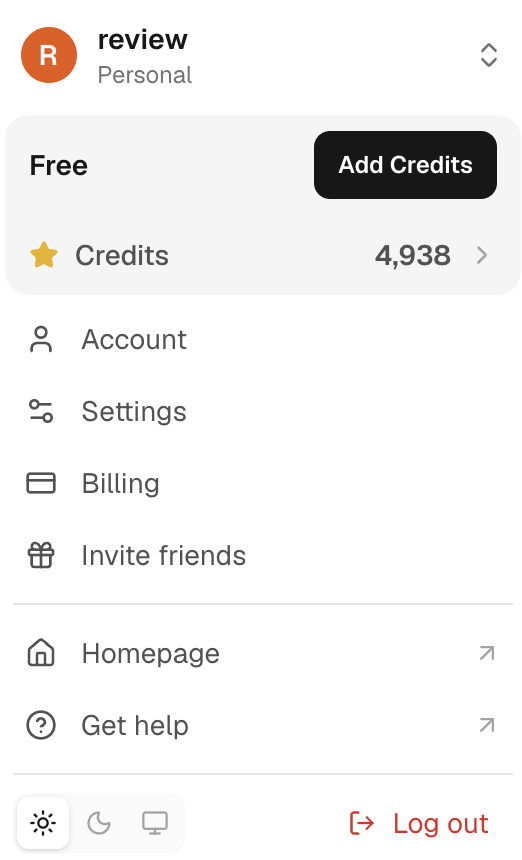
Workspace settings control shared configuration. Open the workspace selector and Settings before changing a control so that you know which workspace it affects.
Common settings
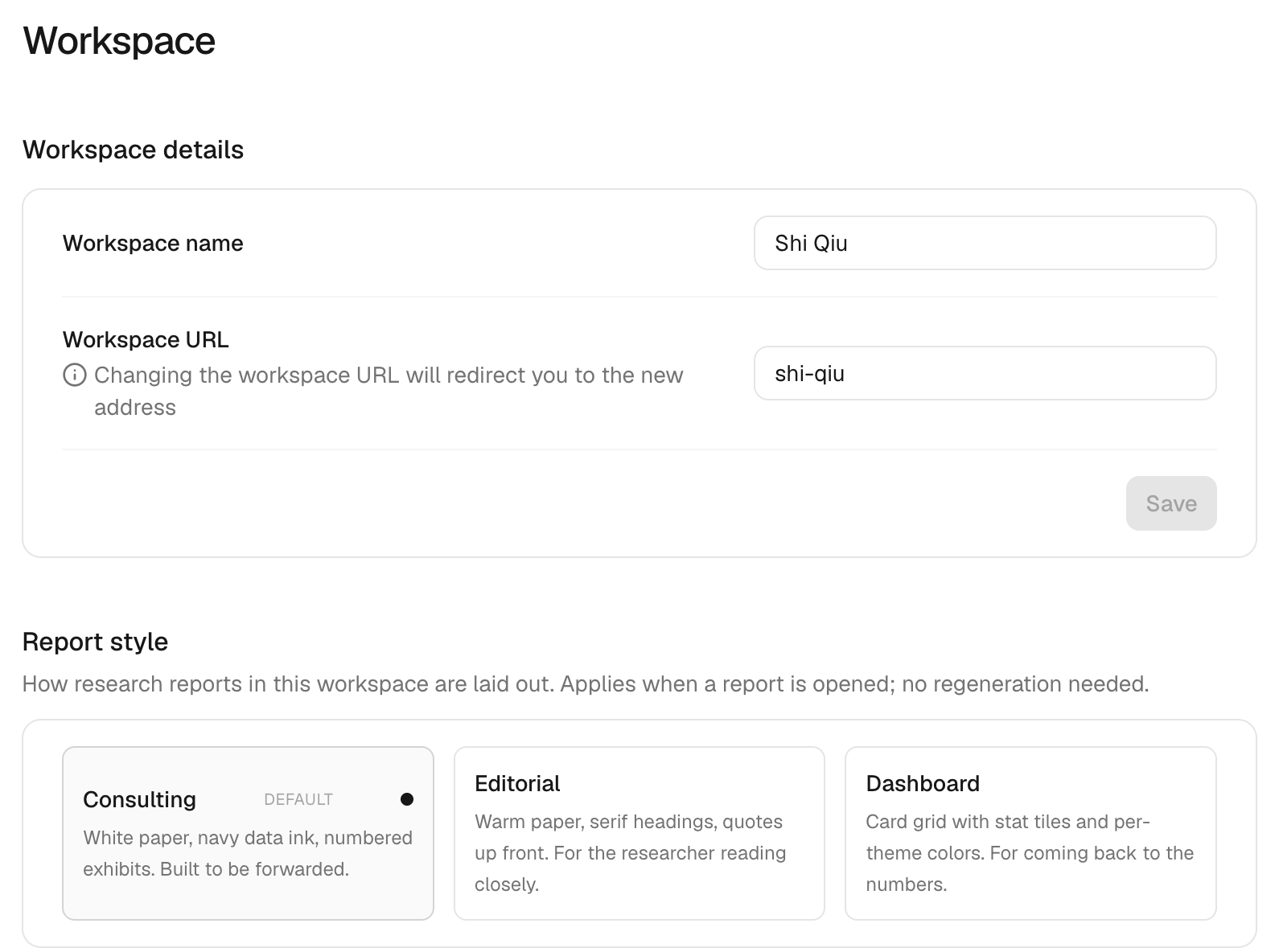
Depending on your role, settings may include the workspace name, members, roles, billing context, daily limits, connected applications, MCP and API access, notifications and data controls. Owners and admins can manage most shared settings; owner-only actions remain restricted.
Before changing a shared setting, check its effect on existing tasks, connections, credits and member access. Record the reason for a change that affects a team workflow.
Security and access
Review connected applications and API keys regularly. Disconnect an app or regenerate a key when access should stop. Do not share API keys, connector secrets or private workspace links in a task or support request.
See Data and privacy, Pricing & credits and Usage for related controls.