

Choose an Audience
Select an existing population, an official audience, or a segment built from your own data.
An audience determines whose perspective a study models. Start with its definition and sources, not just its name or size.
Find an audience
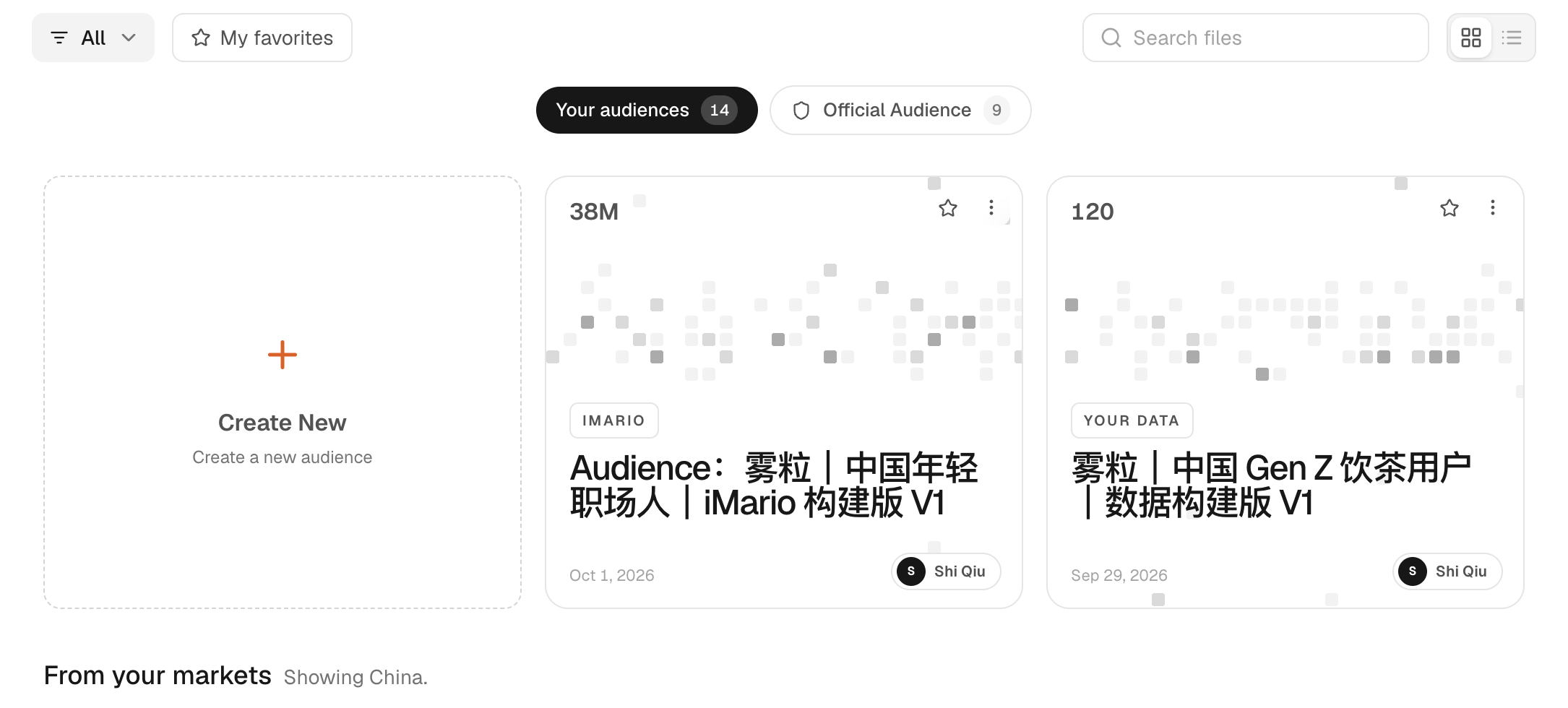
Open Audience in the sidebar. The available sources are workspace audiences, market audiences, official audiences, audiences built from your data and fixed-list audiences. A source appears only when the workspace has the relevant access or data connection: market and official entries require catalog access, data-built entries require uploaded or connected data, and fixed-list entries require supplied records. The exact sources shown depend on workspace access and available data.
Open an audience to inspect its distribution, definition, source material and any real survey evidence. A broad market population, a specialist audience and a customer dataset offer different coverage.
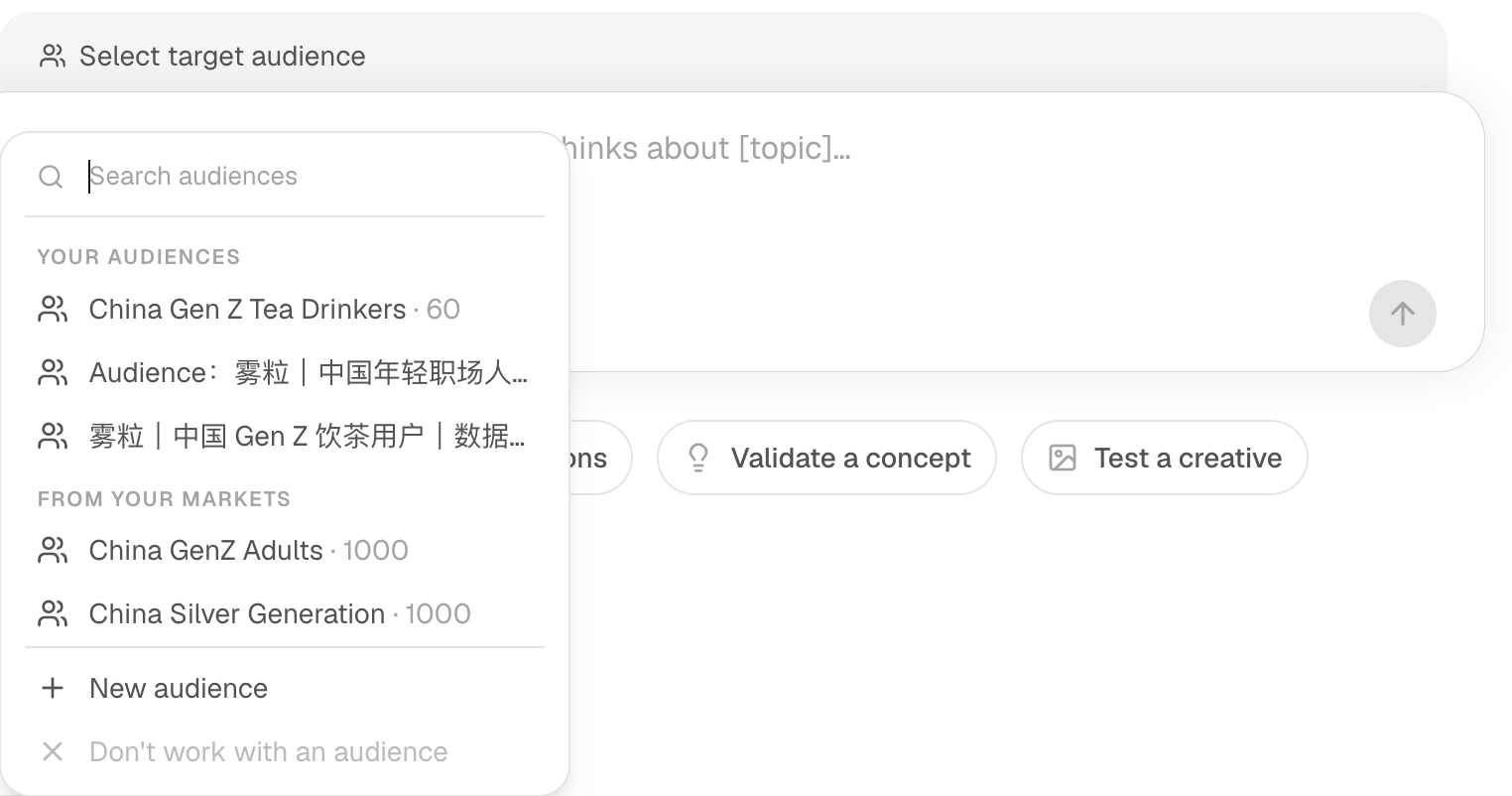
You can also select an available audience directly above the New Task composer. Check that the selected audience and respondent count match your intent before submitting.
Create an audience from iMario's population data, then choose it for a new task. Click the highlighted control in each step, or use Next.
The steps in this walkthrough are also written out as numbered steps on this page.
Create the audience
- On the Audience page, click Create New. Create a new audience opens, with Audience Name and two sources: From your data and From iMario.
- Click Audience Name to enter the name. The field reads China Gen Z Tea Drinkers.
- Click From iMario. The form shows Describe New Segment, with Create from and a description box.
- Click the Create from list. The list shows the populations you can build from.
- Click China General Adults. The list closes. “Creates a segment bounded to what China General Adults actually covers.”
- Click the description box to enter the segment. The box reads “Adults aged 18–27 living in urban China who drink tea, milk tea or bottled sugar-free tea at least once a week.”
- Check the name, source and description, then click Create audience. iMario builds the audience and opens its page.
Use it in a new task
- Read REPRESENTED POPULATION and HOW THIS AUDIENCE IS DEFINED. Screening questions: Aged 18–27 · 53% pass (estimated); Drinks tea, milk tea or bottled sugar-free tea at least once a week · 77% pass (estimated).
- Click New Task in the sidebar. A new task opens with Select target audience above the composer.
- Click Select target audience. The new audience is listed under YOUR AUDIENCES.
- Click China Gen Z Tea Drinkers · 60. The chip above the composer shows China Gen Z Tea Drinkers.
- Check the respondent count and credit estimate. The task is set to China Gen Z Tea Drinkers with 50 respondents and a credit estimate.
Which source should you use?
| Situation | Route |
|---|---|
| You want a broad market or a segment of an existing population | Markets and official audiences |
| You already hold customer records, survey responses or interviews | Build from your data |
| You need one person's perspective for chat or rehearsal | Synthetic Individuals |
An audience defined by conditions selects people who match a source population and is displayed with its criteria and source population. A fixed-list audience represents the supplied records and is displayed with its fixed list or record source. The two types support different questions and should not be treated as interchangeable.
An audience grounded in demographic statistics can have realistic composition without direct evidence for the opinion you are asking about. Inspect both the population definition and the evidence behind the question.
If the audience is locked or unsuitable
Review the access offer before purchasing, or choose an audience already available to you. Access fees and research credits are separate. If no audience matches, describe a segment within a suitable source population or build one from your own records.
Do not silently substitute a broader audience and report the result as a niche segment. See Evidence and coverage and Choose a panel size.