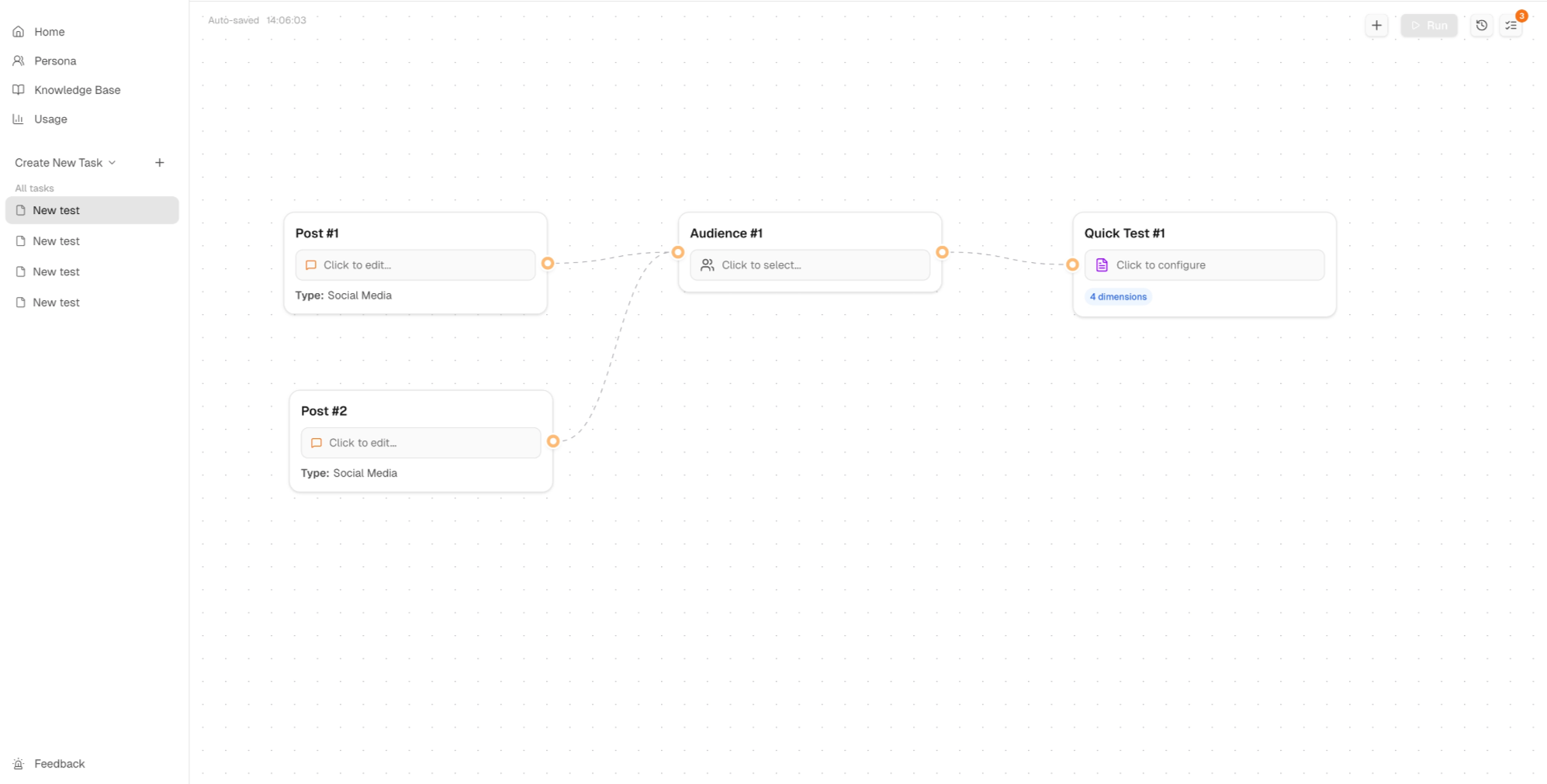

Build Your Task
Multi-flow Tasks
Compare content versions, audiences, or scenarios in parallel within a single task.
A single flow tells you how one audience responds to one piece of content. A multi-flow task tells you something more useful: the difference.
Differences are where the most actionable insights live. Knowing that your messaging lands with SMB buyers is useful. Knowing that it lands with SMB buyers but not enterprise buyers — and understanding why — is what changes how you write the next version.
When to use multi-flow
You can create multiple flows within a single task. Use this to:
- Compare different versions of content against the same audience
- Test the same content across different audiences
- Explore multiple scenarios in parallel
Multi-flow tasks are especially powerful for A/B concept testing, cross-market validation, and any situation where the question isn't just "does this work" but "which of these works better, and for whom."
Keep conditions consistent
Run flows in parallel to keep conditions consistent. If you test one version today and another next week with a different audience configuration, you're not comparing the same thing.